
Odoo Modules List:
Full Overview and Expert Recommendations
1.Sales
These modules form the hub for customer service and revenue generation. They make it easy for customers to quickly confirm transactions online.
CRM
A module for managing customer relationships. In it, you track what stage a conversation with a client is at and plan the next steps. It's a tool that offers particularly extensive capabilities and is very useful in practically any business.
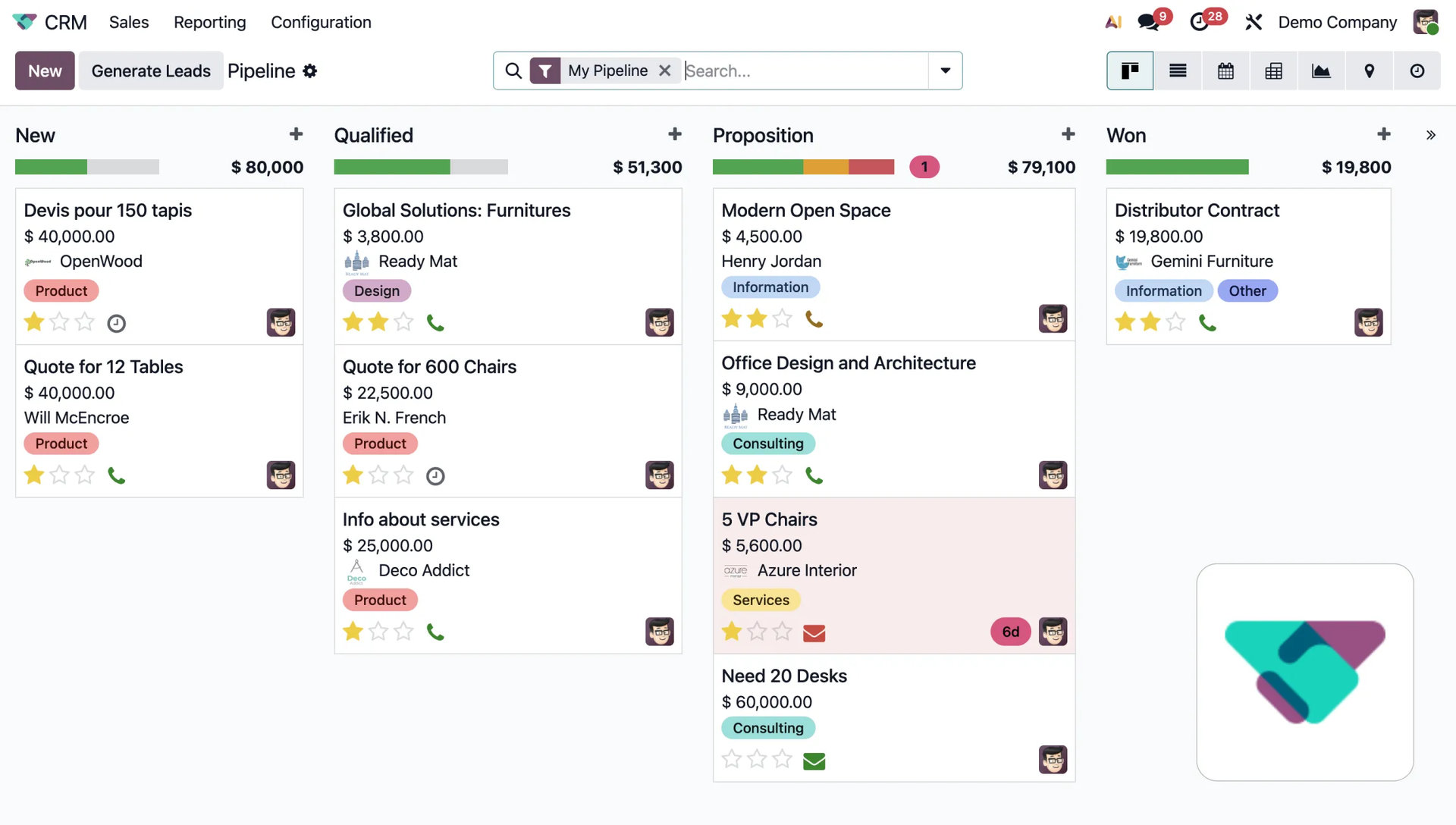
This module allows for full automation, from creating and managing leads to planning follow-up actions. This reduces manual data entry. The system also uses artificial intelligence (yes, AI has come to Odoo too! Read more about the new AI features in Odoo 19 and situations where you might use them) to assess customer potential, so you can focus on the most important sales priorities. Read more about CRM in Odoo.
Sales
This module is used to create professional quotes and orders. It allows customers to quickly confirm transactions online. It comes with templates, automations, personalized offers, and access to data across the rest of the system is a huge asset.
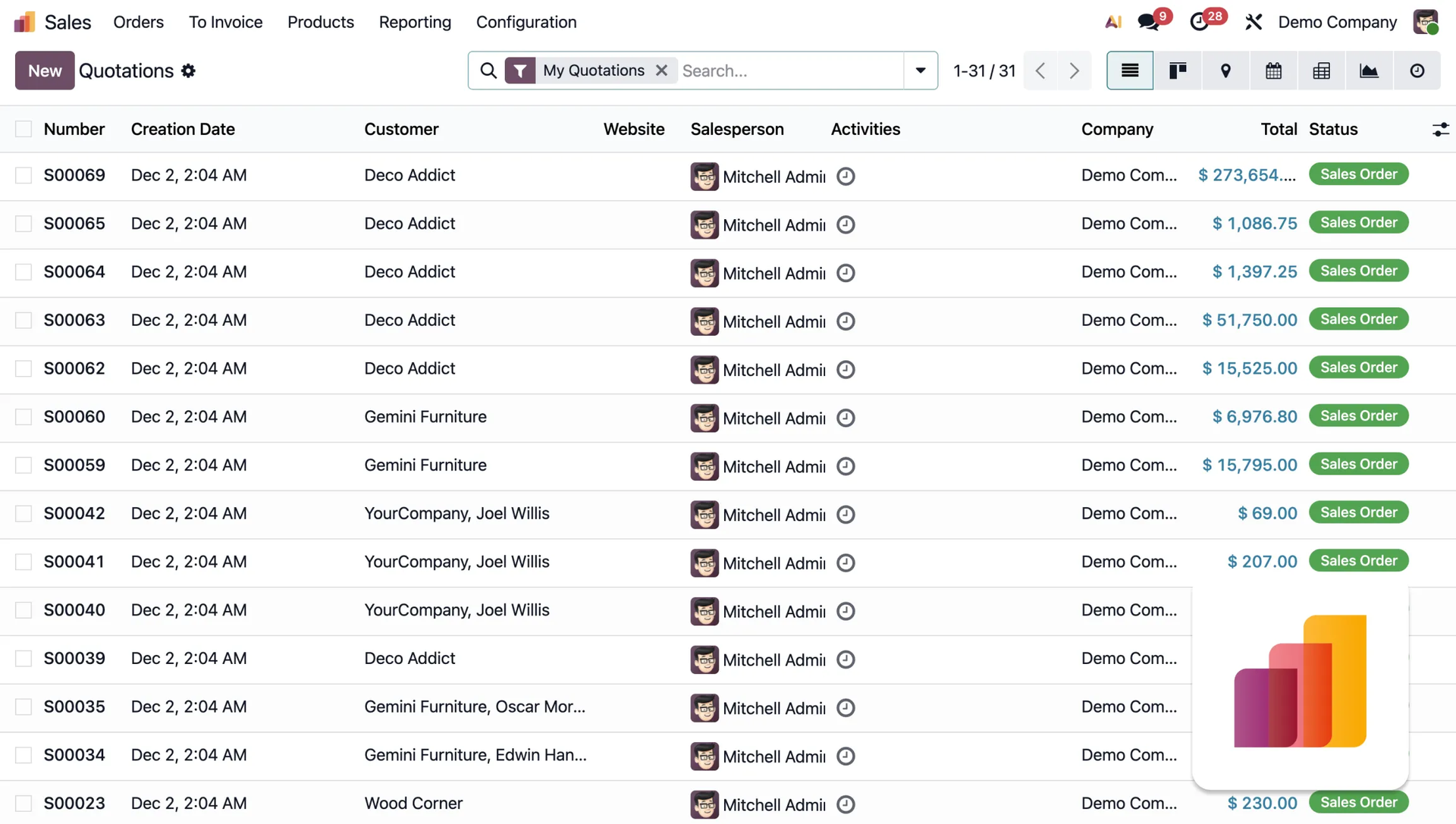
The sales module in Odoo enables automatic reporting and forecasting, as well as advanced invoicing features such as down payments or milestone-based billing. Customer service is made easier through integration with Amazon and courier companies, upselling of optional products, and automatic logging of emails and meetings.
Point of Sales An app for running retail sales. It works as a cash register on a computer or tablet, fully integrated with the rest of the system.
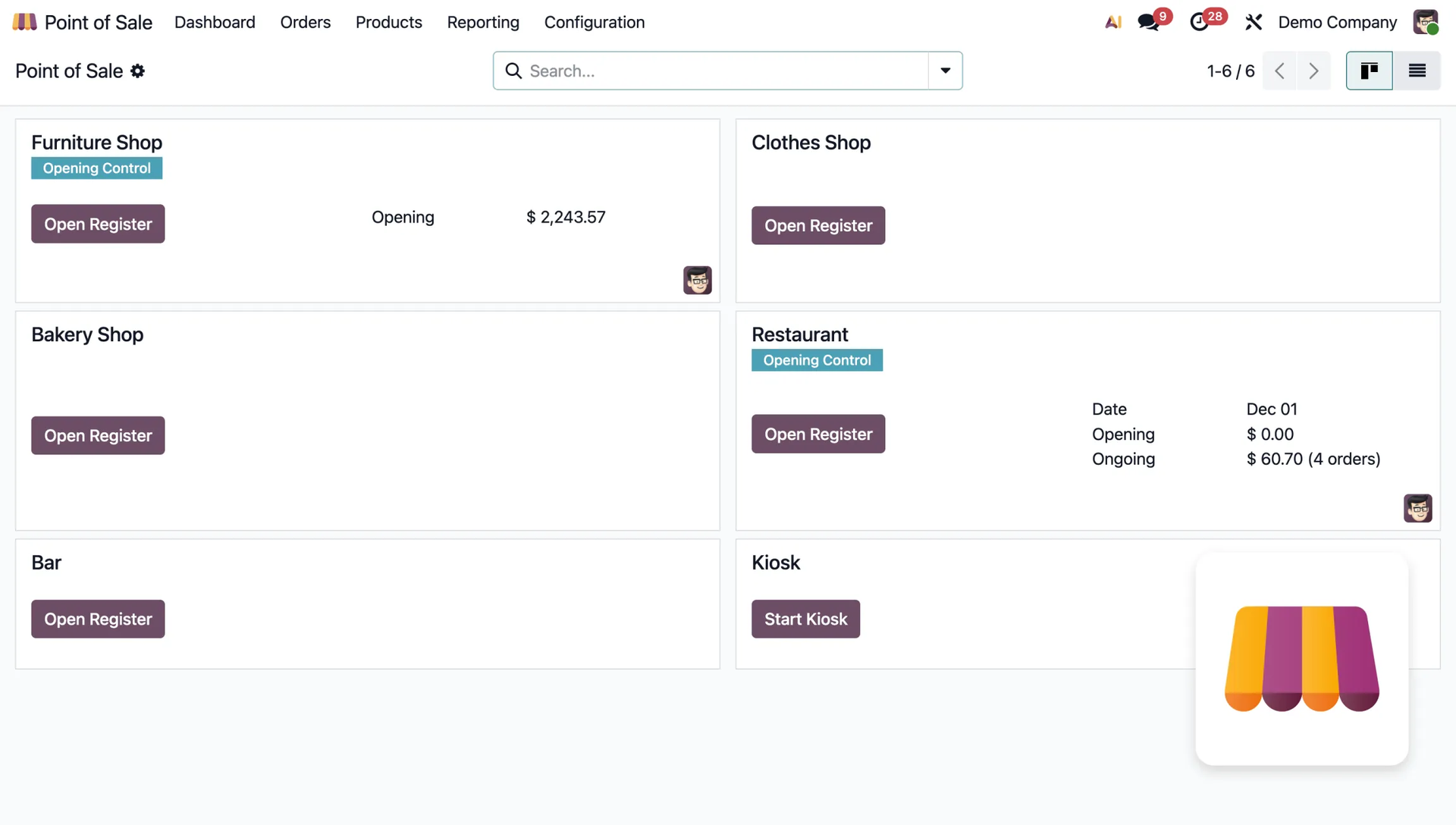
The module allows you to manage loyalty programs, support multiple cashiers, and offers flexible invoicing (printing, email, QR code). The system accepts various payment methods and allows offline sales, automatically syncing data once the network connection is restored. Pretty neat, right?
Subscriptions A tool for handling recurring sales. The system automatically tracks deadlines and issues recurring invoices. Ideal for companies offering subscription models, e.g. SaaS.
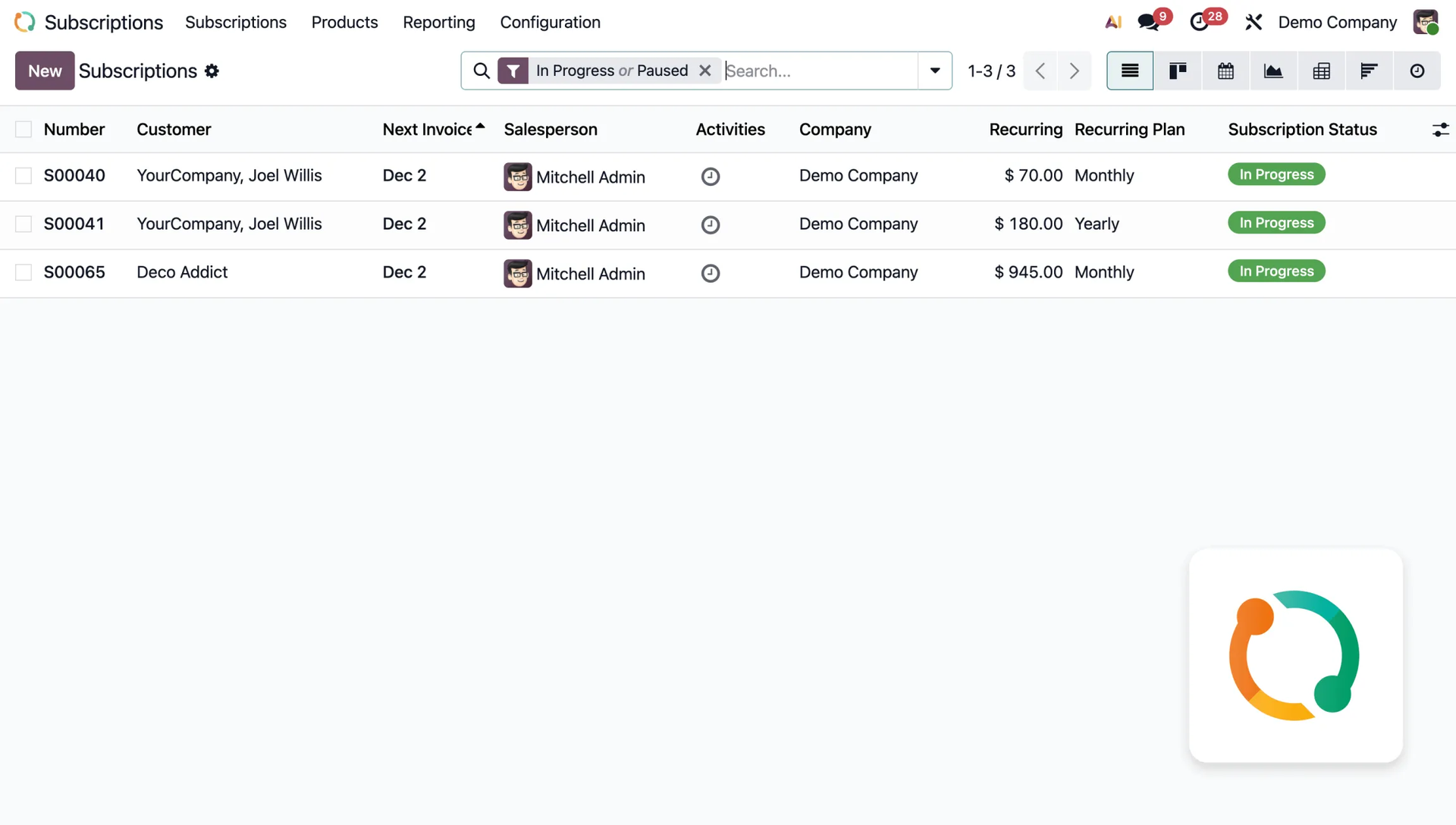
The module boosts team efficiency by offering built-in revenue analytics such as MRR and LTV. This allows for quick forecasting and future business planning based on detailed sales performance data.
Rental
A module supporting the management of the rental process for goods by the hour or day.
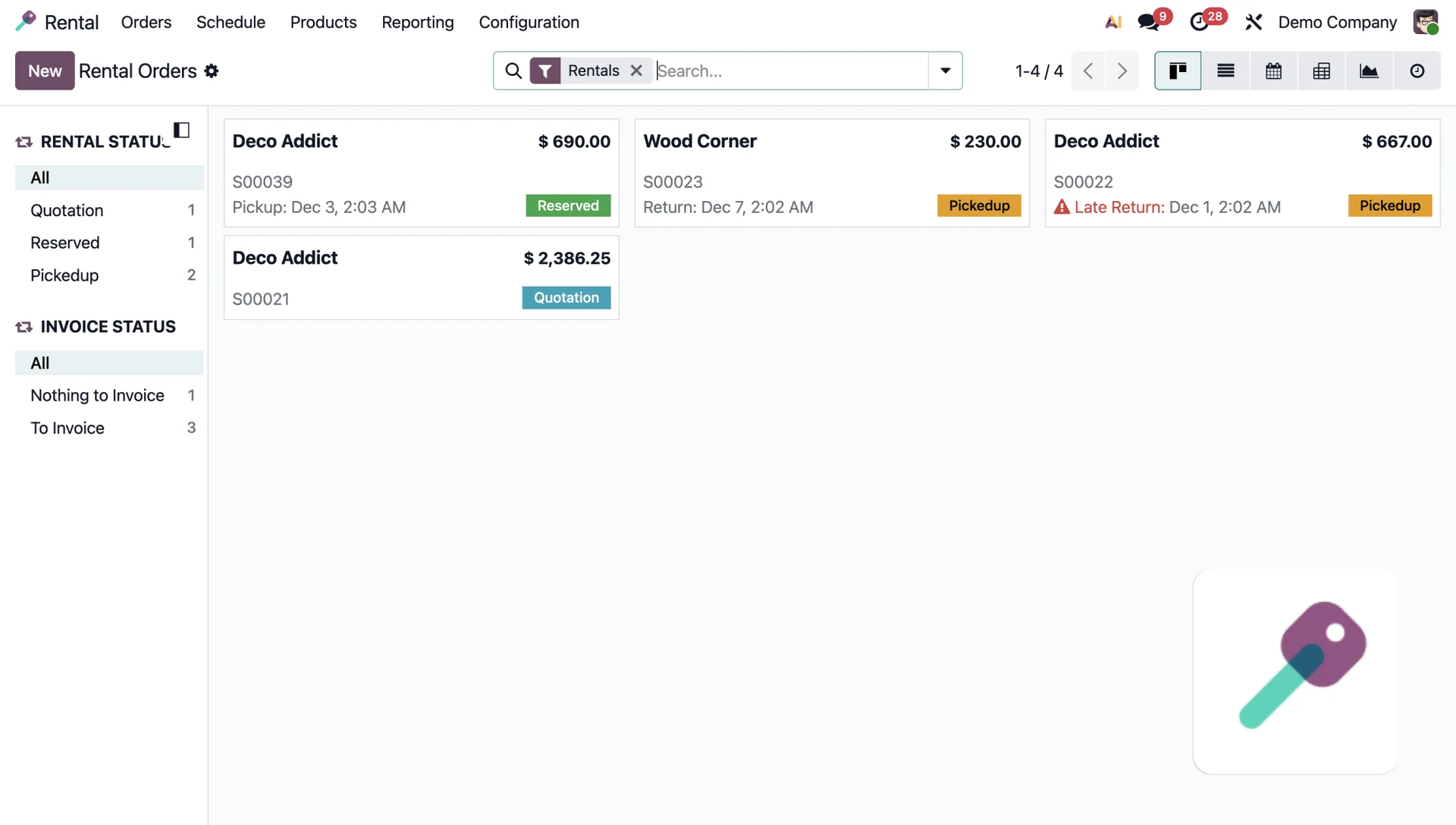
It simplifies pricing and invoicing, and allows quick conversion of orders into invoices. Odoo offers resource management features such as setting a minimum rental time, buffer time, and unavailability days, as well as automatic calculation of late fees.
2. Finance
The finance modules allow you to run full accounting and manage company finances within the system.
Invoicing
Used to issue invoices directly from orders, send them to customers, and track payment status.
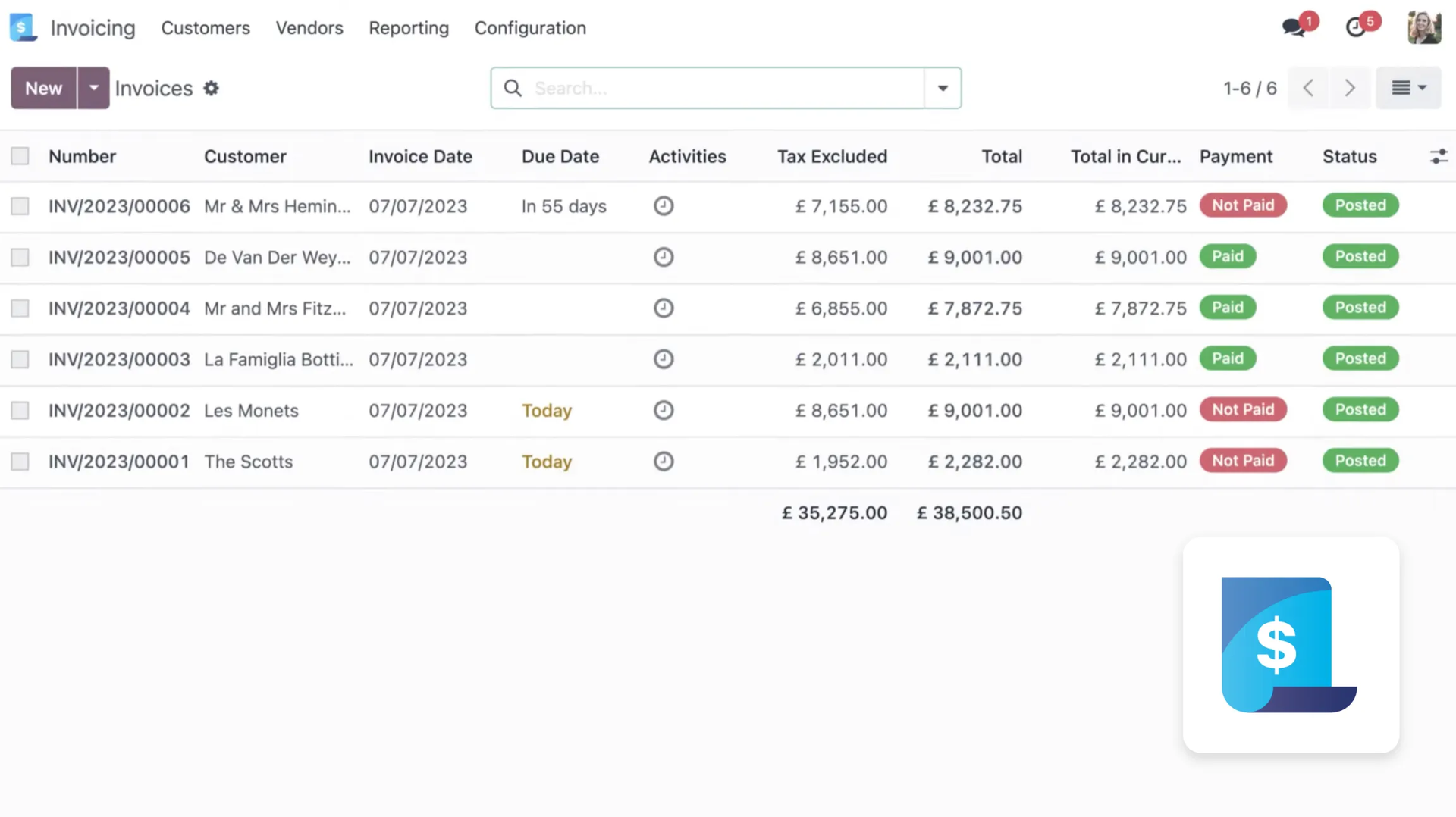
The module is ready to work in over 160 countries, offering electronic invoicing, bank integration, and tax statements. It supports multiple currencies with automatic exchange rate updates, and manages recurring invoices, as well as automating the sending of invoices and reminders by traditional mail.
Accounting
A module for full bookkeeping, generating financial reports, balance sheets, and bank integration. It's configured to meet the financial and tax requirements of over 160 countries, including support for audit files and electronic invoices.
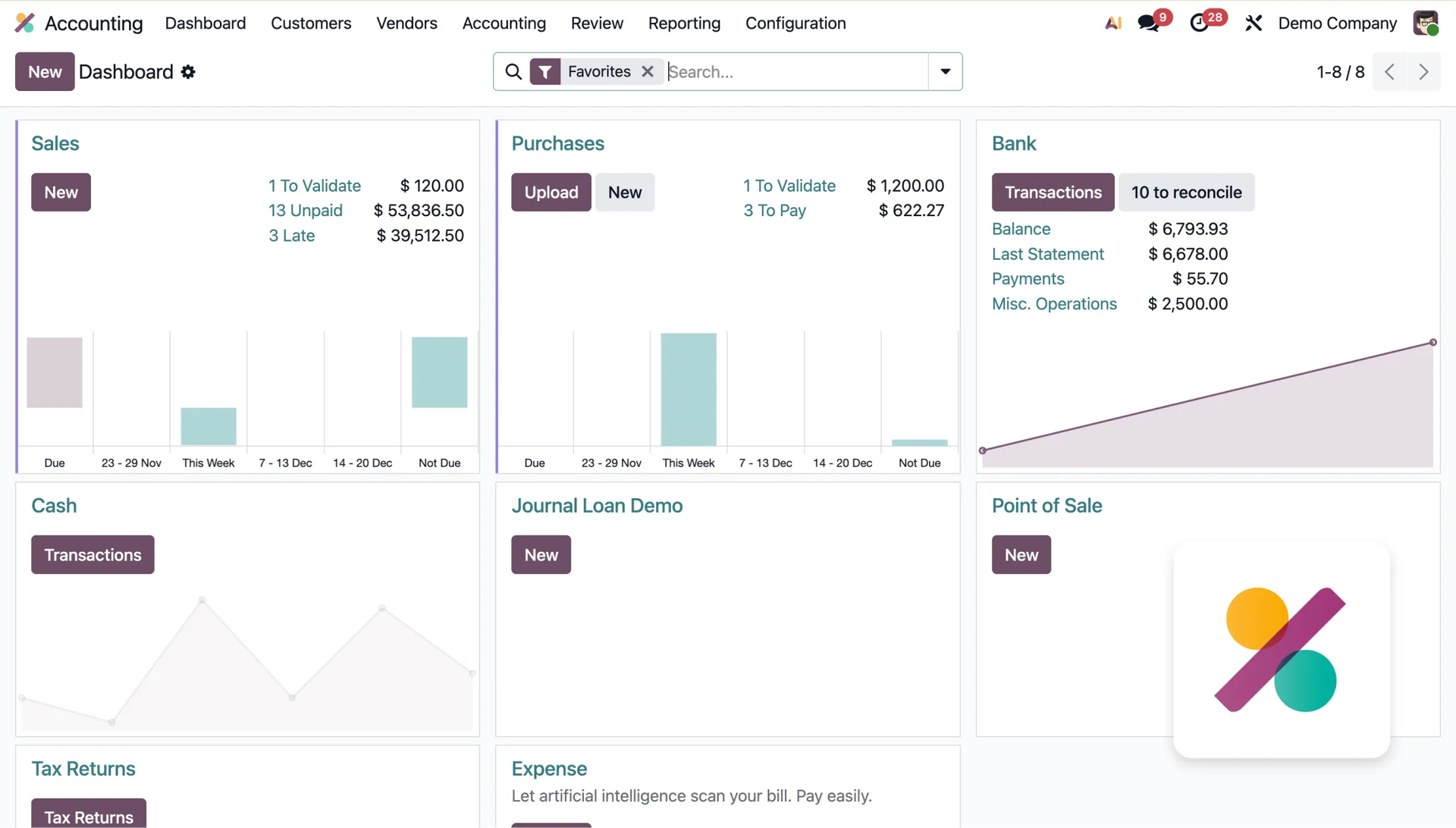
The app provides real-time reporting and automatically tracks late payments, sending reminders by email, SMS, or mail. The module also supports electronic invoicing (EDI, Peppol) and dynamically calculates taxes and income/expense accounts depending on the customer's location. Proper configuration also allows integration with KSeF! See how Odoo and KSeF work together in practice.
Documents
A platform for digital management of company documents. It enables automation of things like invoice processing or collecting signatures.
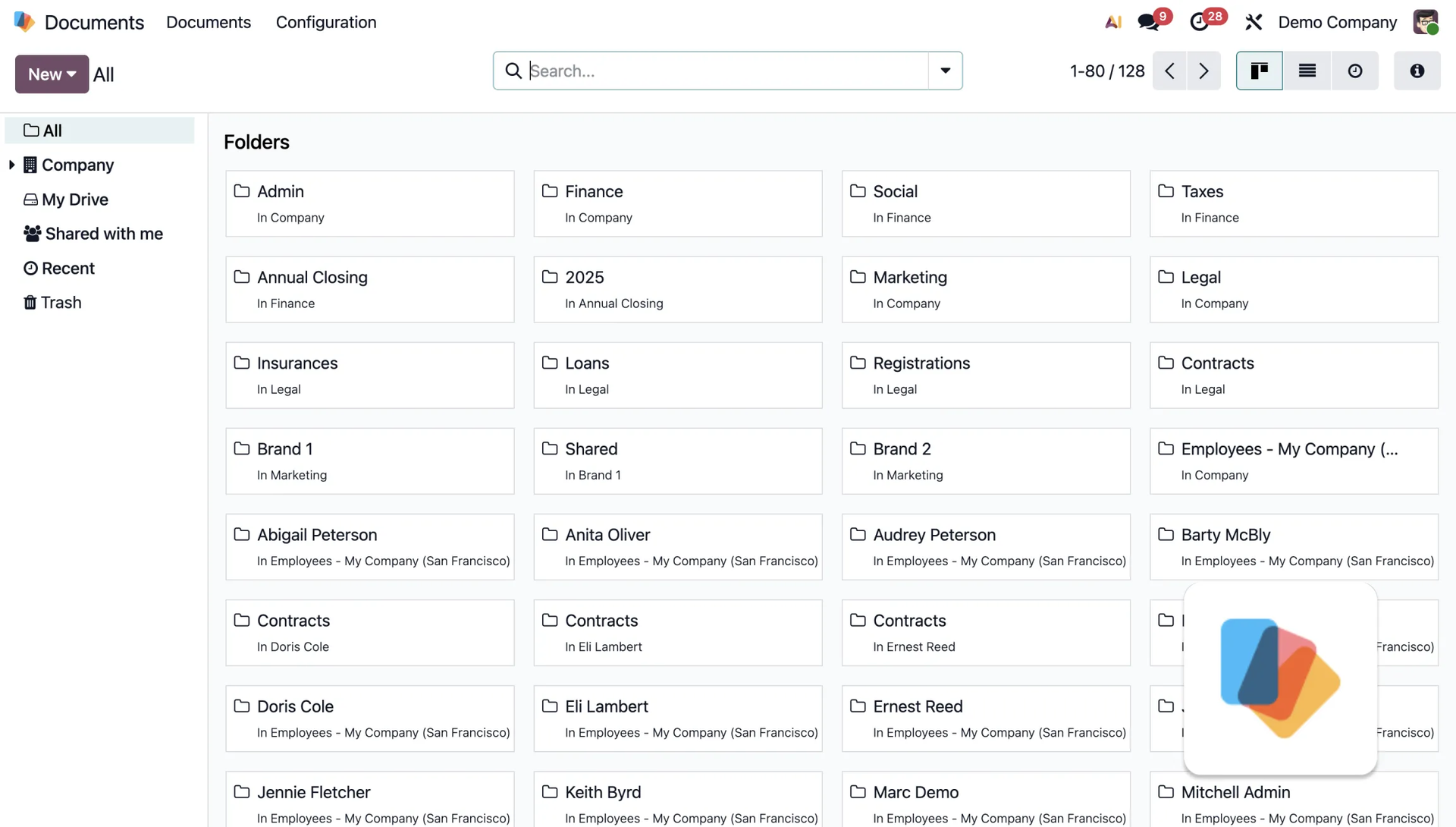
Like many other Odoo modules, this one uses artificial intelligence (AI) to automatically capture data from invoices. It also allows for automating processes such as creating tasks and collecting signatures, and makes it easy to split PDF files.
Expenses
An app for employees to report and record costs. It allows adding receipts via photos, offers a clear dashboard with expense statuses, and accepts various upload methods such as scanning, drag-and-drop, email, and a mobile app.
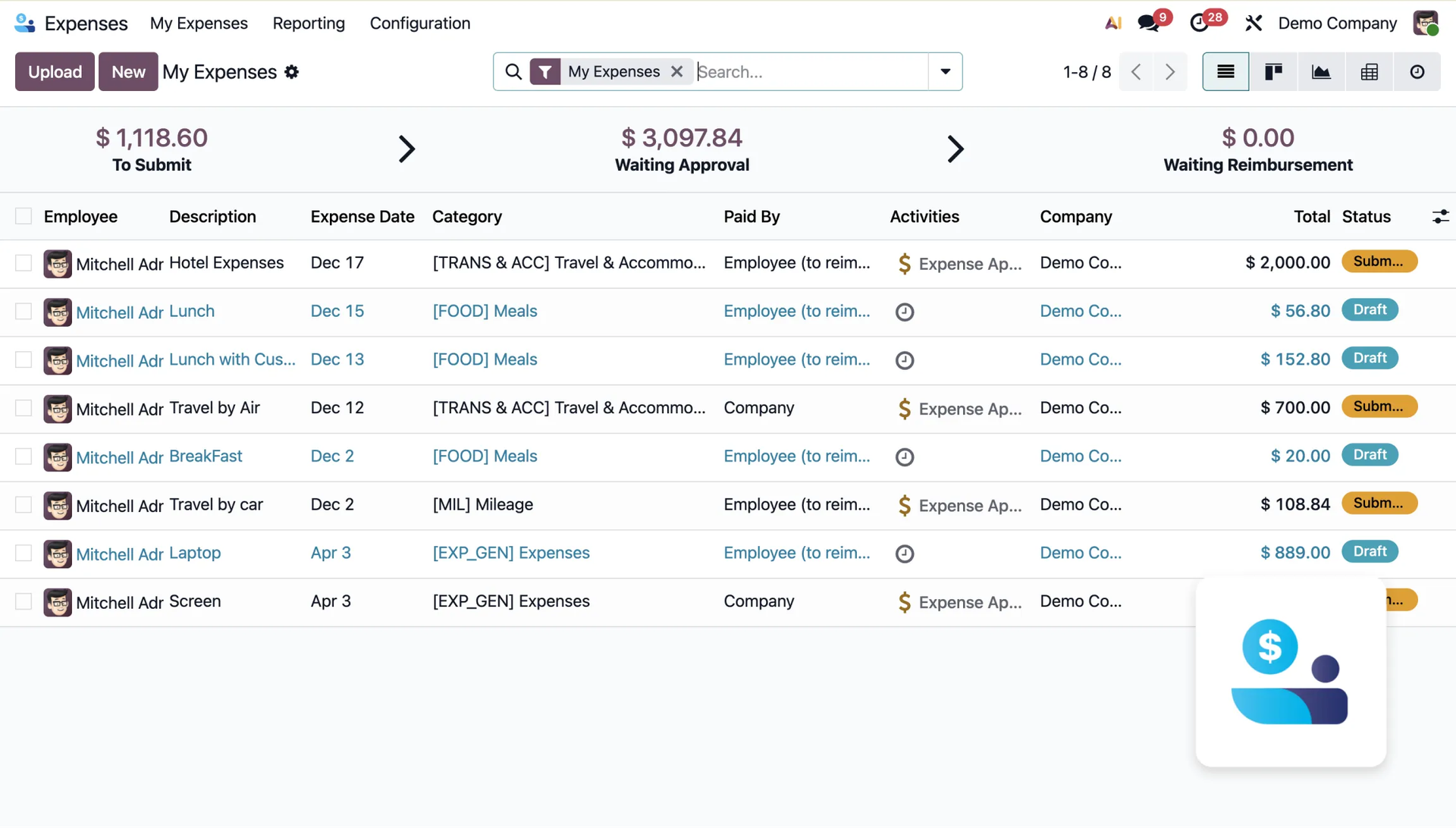
The module automatically integrates approved expenses with accounting and sales (e.g. re-invoicing), and allows easy collaboration through chat and defining roles for expense approvers. The whole process takes place within a minimalist interface.
Spreadsheets
This module allows you to create dynamic financial and analytical reports directly within the system, without needing to export data to external tools.
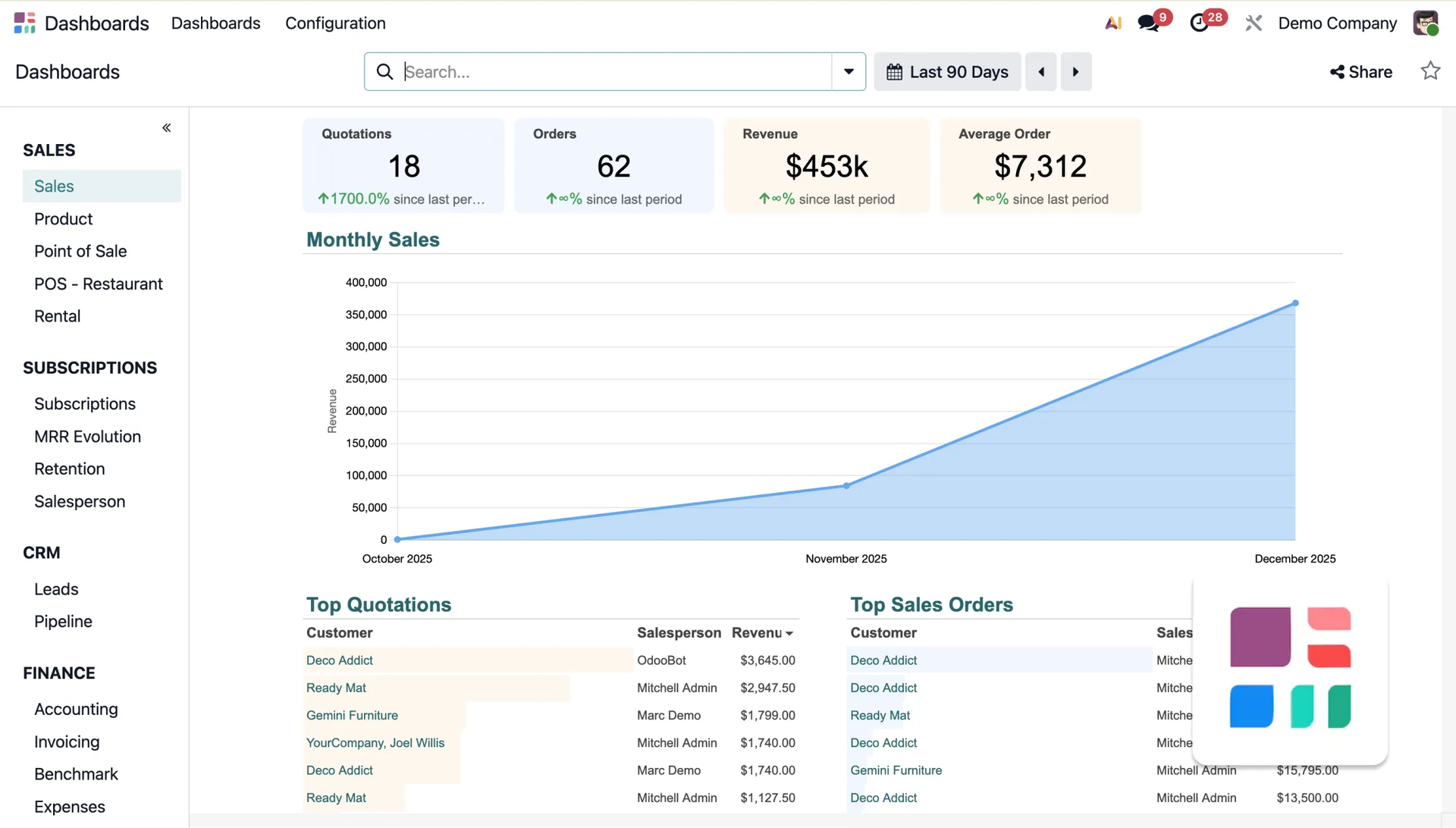
Users have access to a simple menu with formulas, charts, and conditional formatting. This is very useful, as smart filters make it easy to spot trends quickly, not to mention searching for specific data.
Sign
A module for handling electronic signing of documents, such as contracts, offers, or internal approvals. Signers can use various authorization methods: an automatic signature, drawing one, or scanning it.
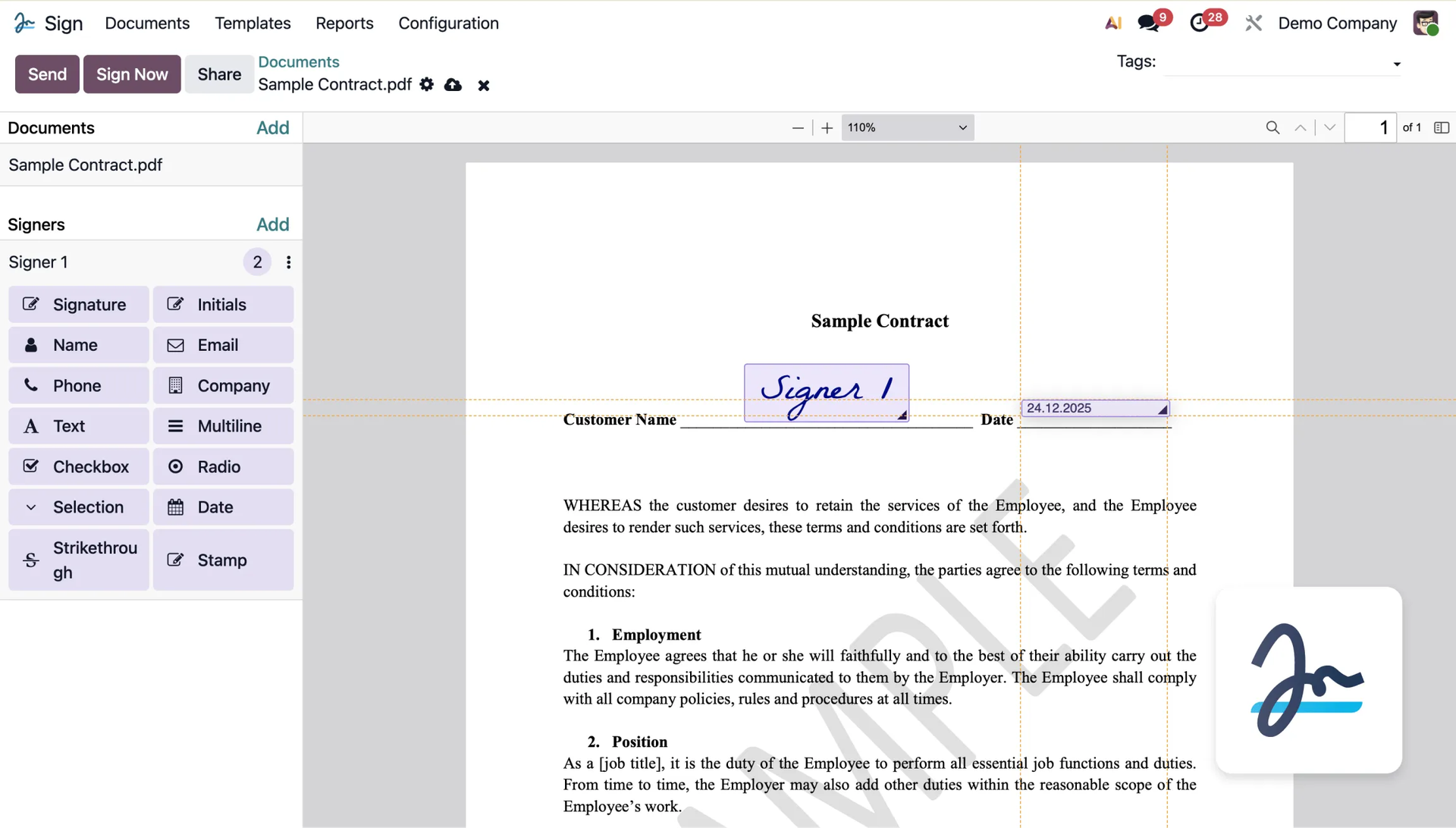
The app is 100% compliant with key legal regulations (such as eIDAS, US ESIGN), ensures cryptographic traceability of operations, and lets you define the signing order and set automatic reminders.
3. Inventory and Manufacturing
Modules key to managing goods, stock, and production processes.
Purchase
A tool for managing suppliers and the process of ordering goods. It allows automation of settlements, orders, and invoicing.
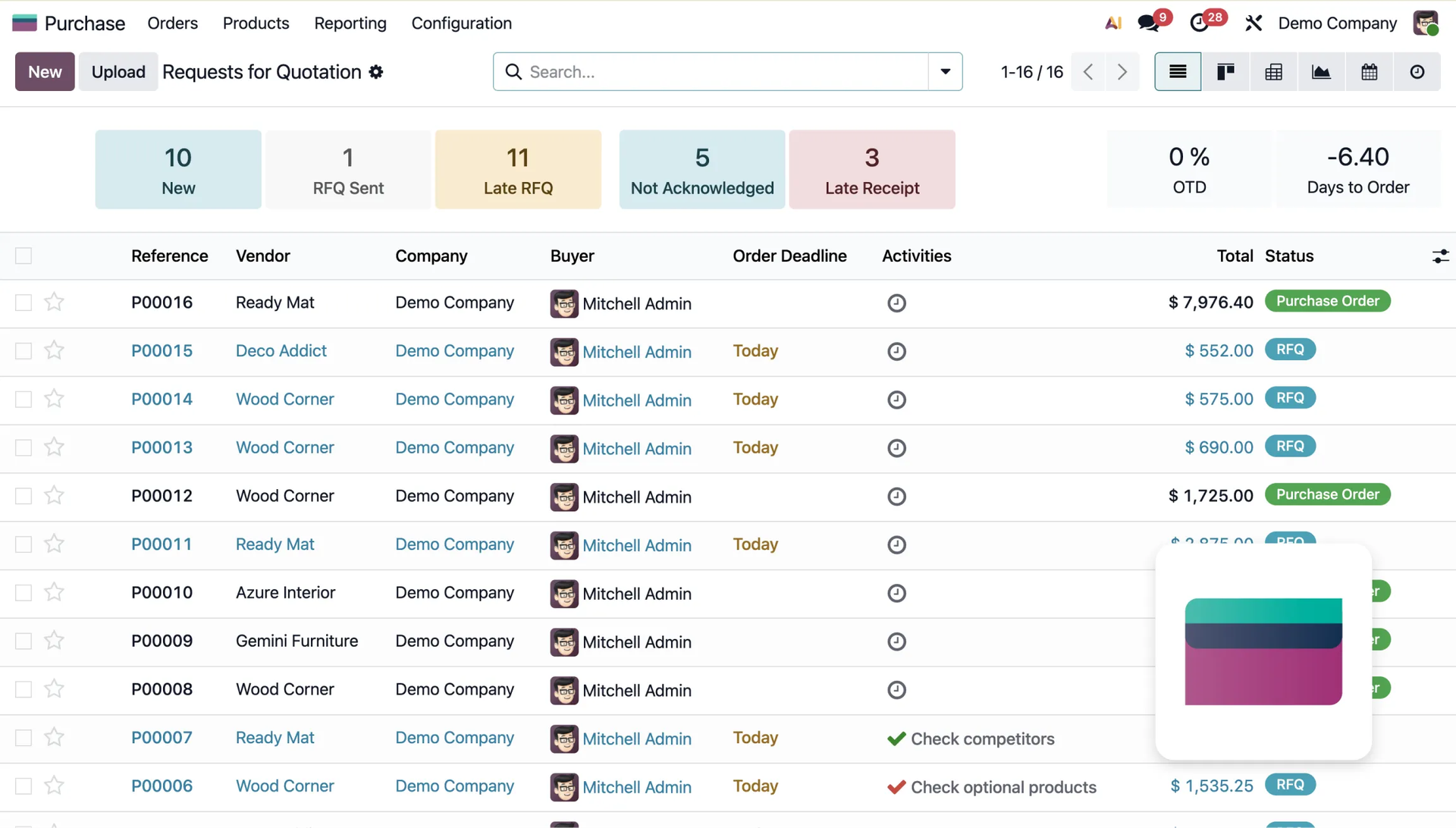
The module allows for customized reporting, measuring supplier performance, and importing price lists, helping support smarter purchasing decisions.
Manufacturing
A module for production planning. It lets you define what parts make up a product and manage manufacturing orders. It allows you to create a Master Production Schedule to effectively align sales and production goals.
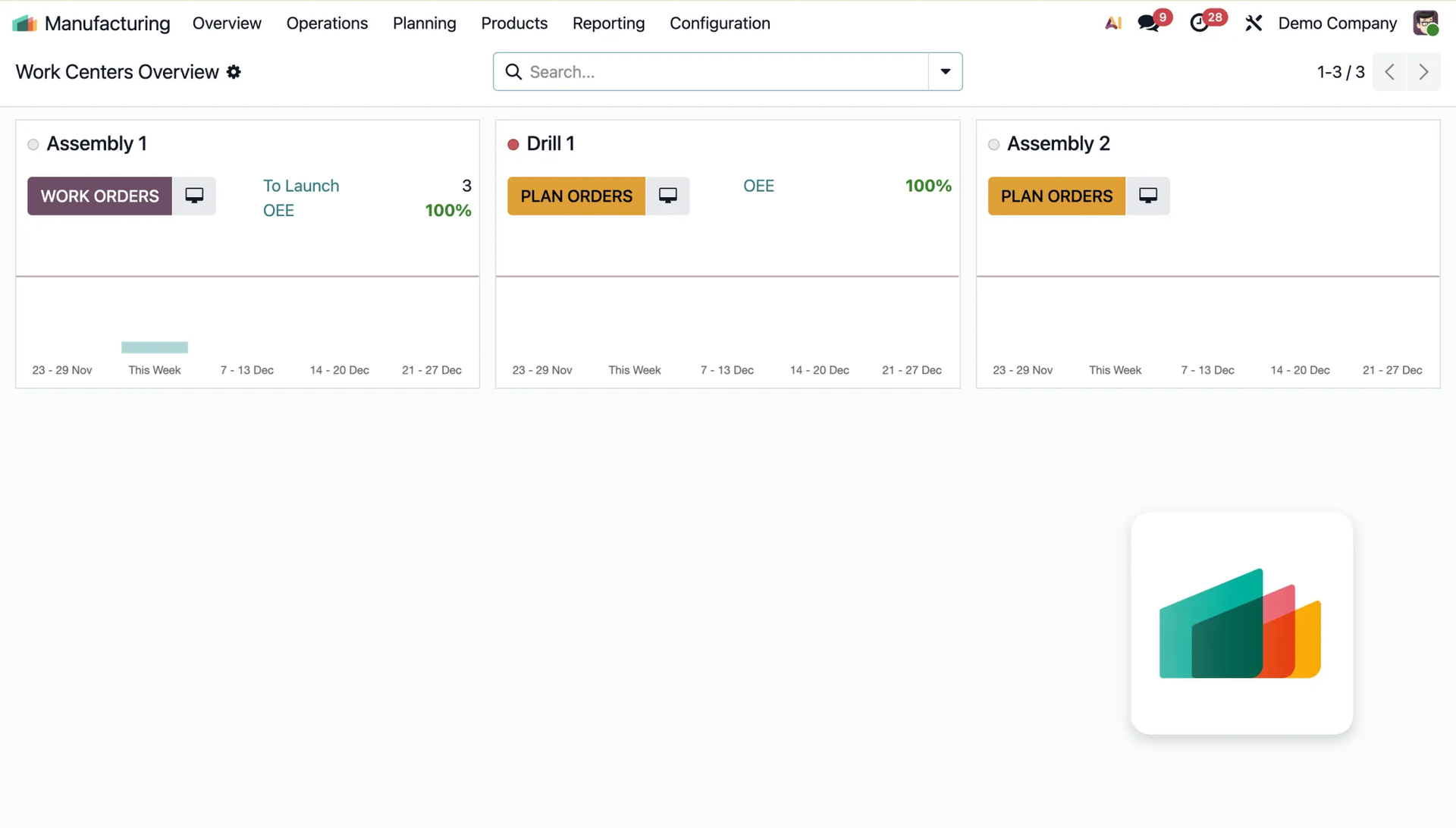
The app supports traceability of where things came from by batch/serial numbers, allows the use of products that would normally be discarded, and integrates with IoT devices (e.g. barcode printers). Learn more about IoT in Odoo.
Quality
A module for managing quality control and monitoring processes on the shop floor. It allows detailed reporting and review of statistics on defects and inspections.
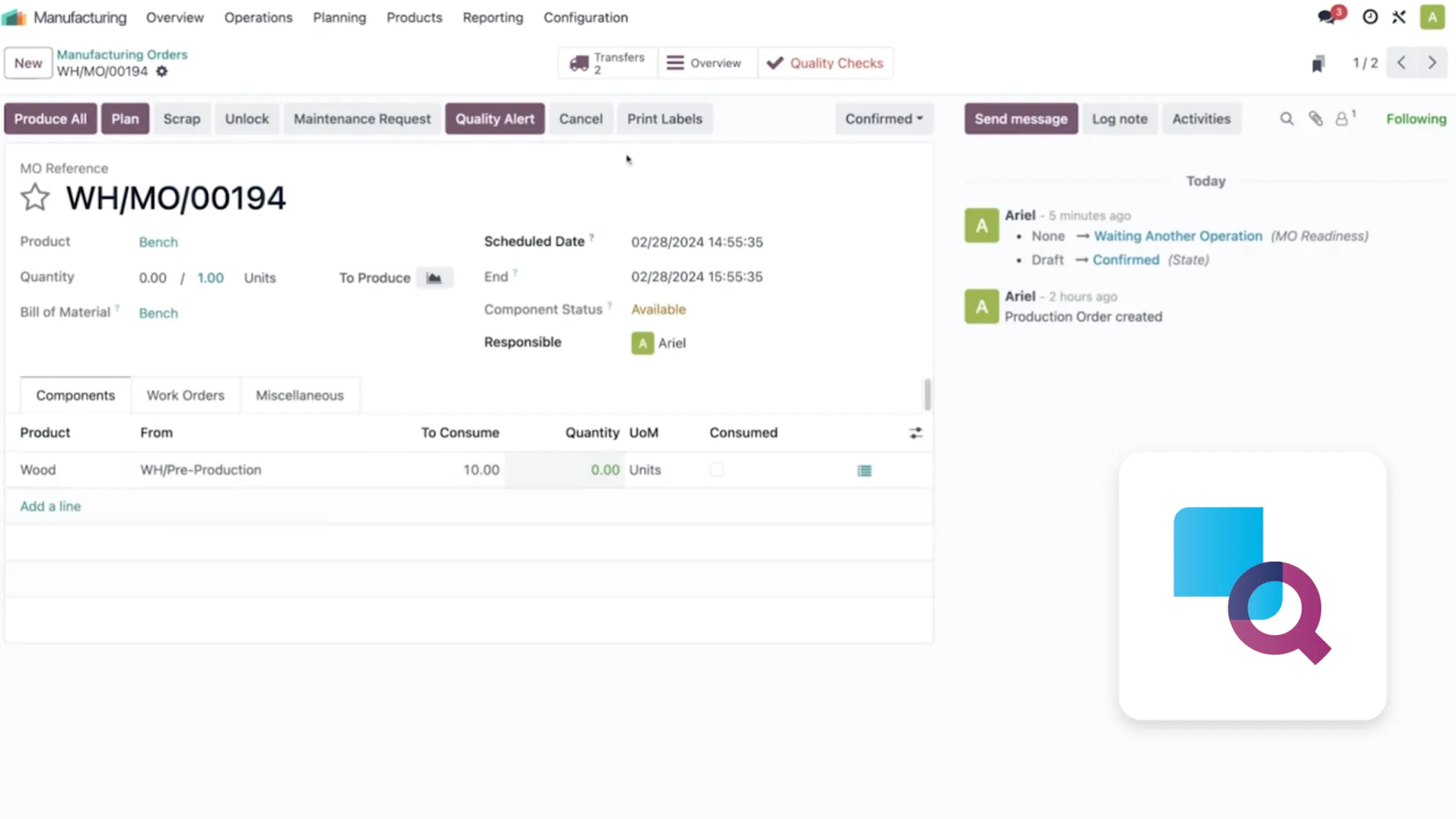
The Quality module uses a Kanban view to manage alerts, allowing you to prioritize them and schedule inspections for specific manufacturing or warehouse orders — all within a single module.
Maintenance
A tool for planning and managing maintenance work and machine repairs. It automates preventive maintenance and metrology scheduling, using statistical calculations (MTBF, MTTR) to predict failures.
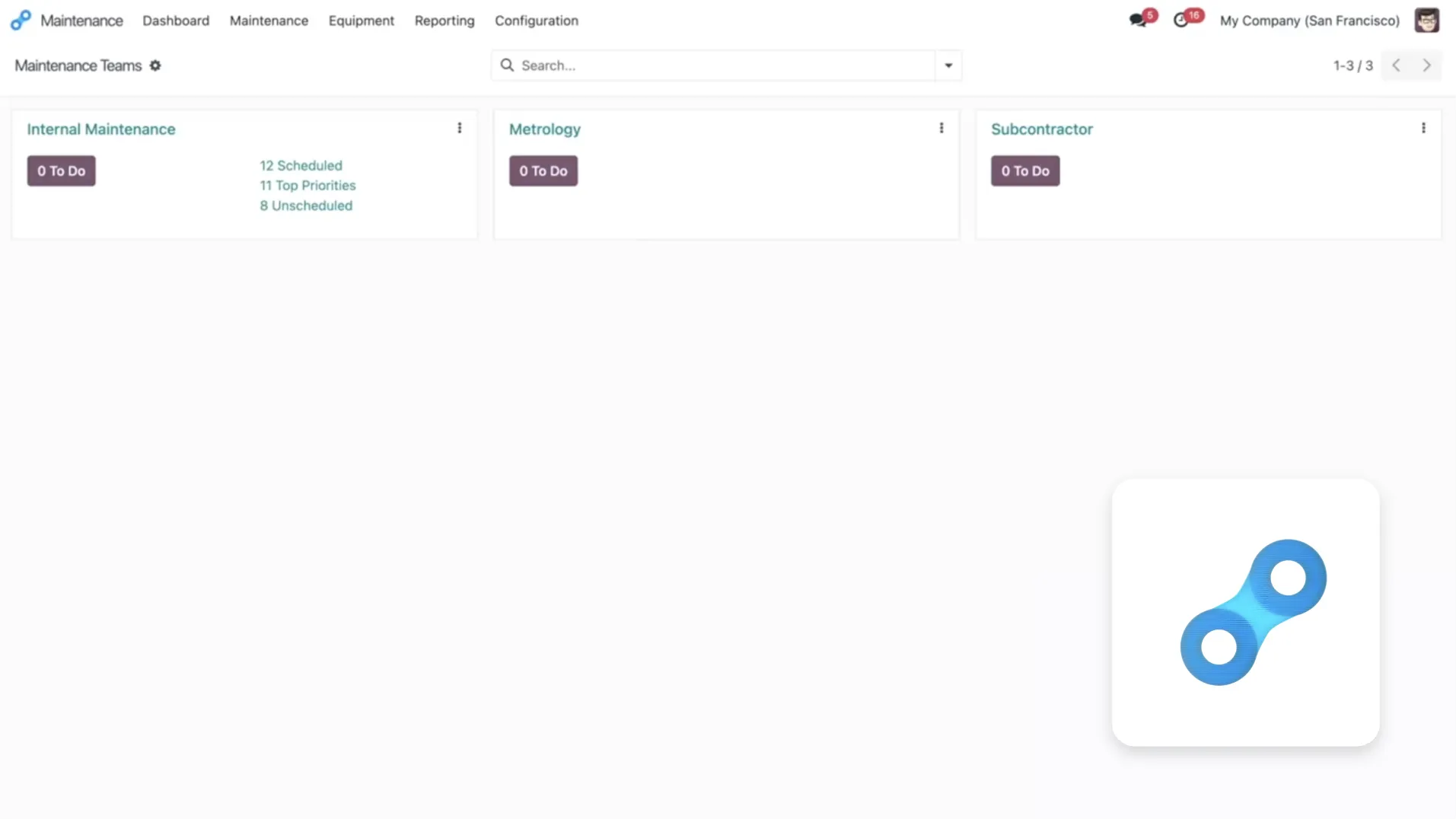
The module allows organizing requests using Kanban and Calendar views and boosts production efficiency by enabling quick submission of maintenance requests directly from the work center.
PLM
A tool designed for R&D departments that makes it easier to manage the entire product lifecycle, streamlining communication between departments and allowing quick approval of technical changes.
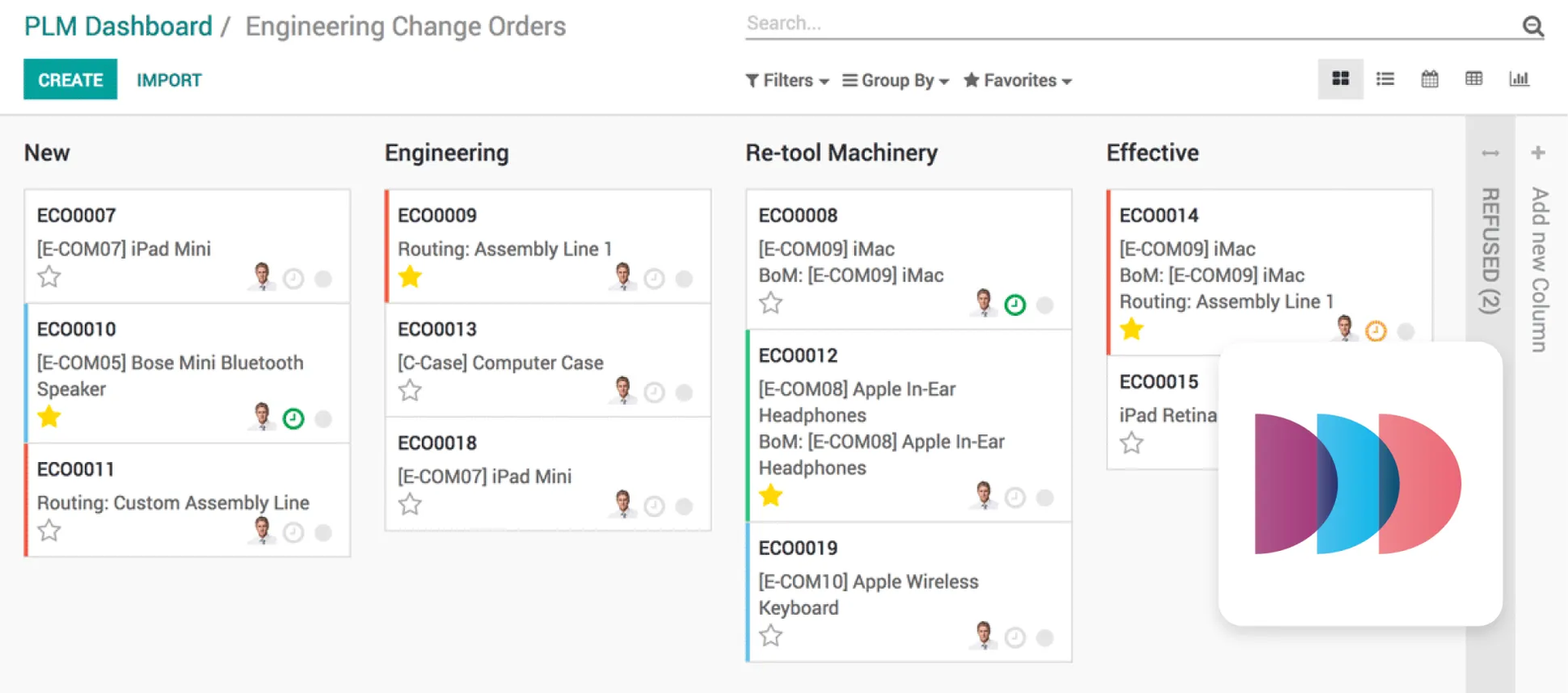
The module supports data integrity by linking documentation (certificates, sketches) with Bills of Materials (BoM) and enables smart version management and comparison of modifications.
4. Website
Tools for building your company's image and communicating with customers.
Website
A module for building a company website with no coding required, using a drag-and-drop method with automatic mobile responsiveness and access to free graphics and animations.
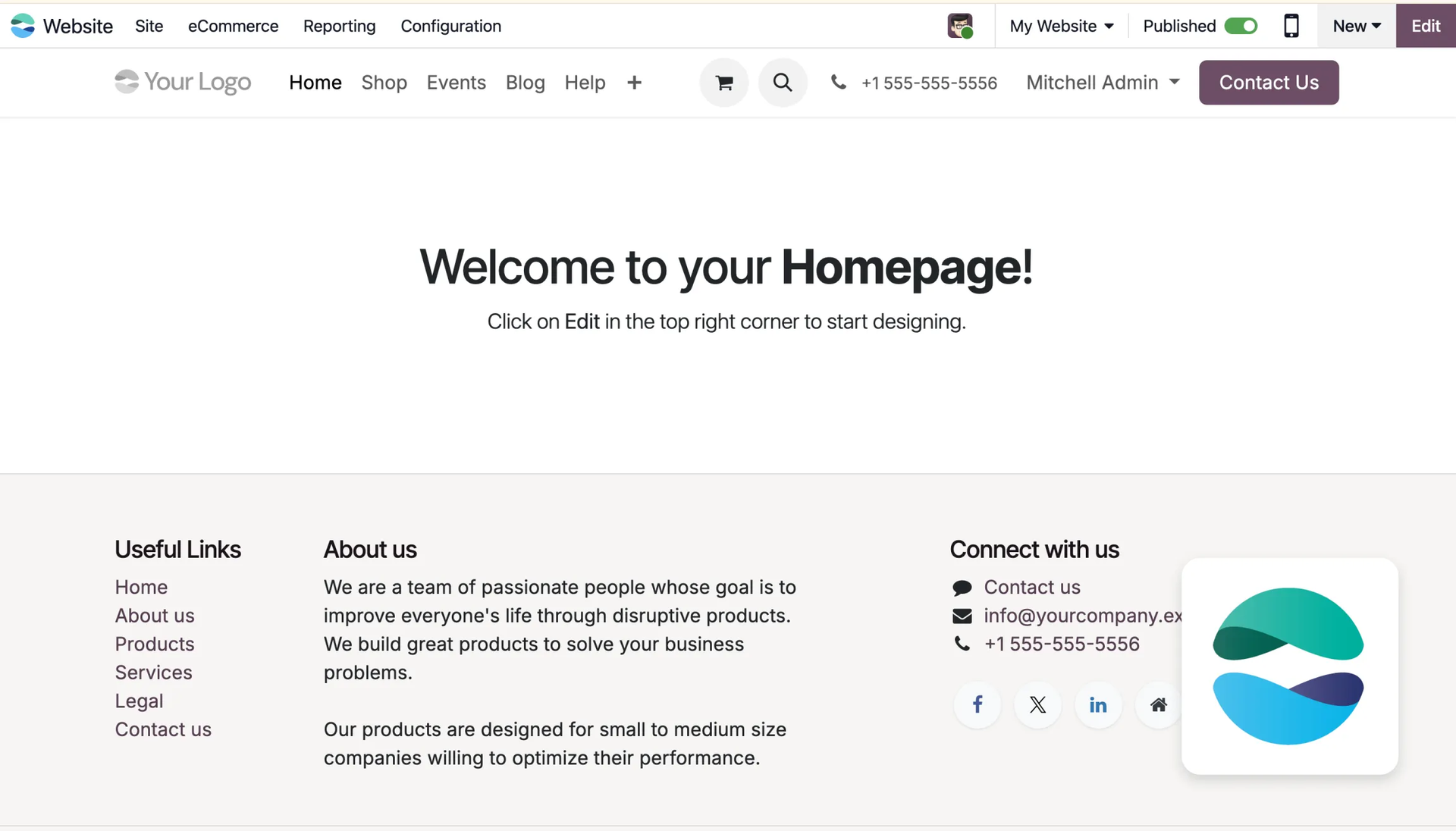
It enables easy SEO optimization, translating content directly on the site, and analyzing visitor behavior via a built-in analytics dashboard. See how to create your first website in Odoo. ->
eCommerce
A module for running an online store. It's fully integrated with inventory and sales processes.
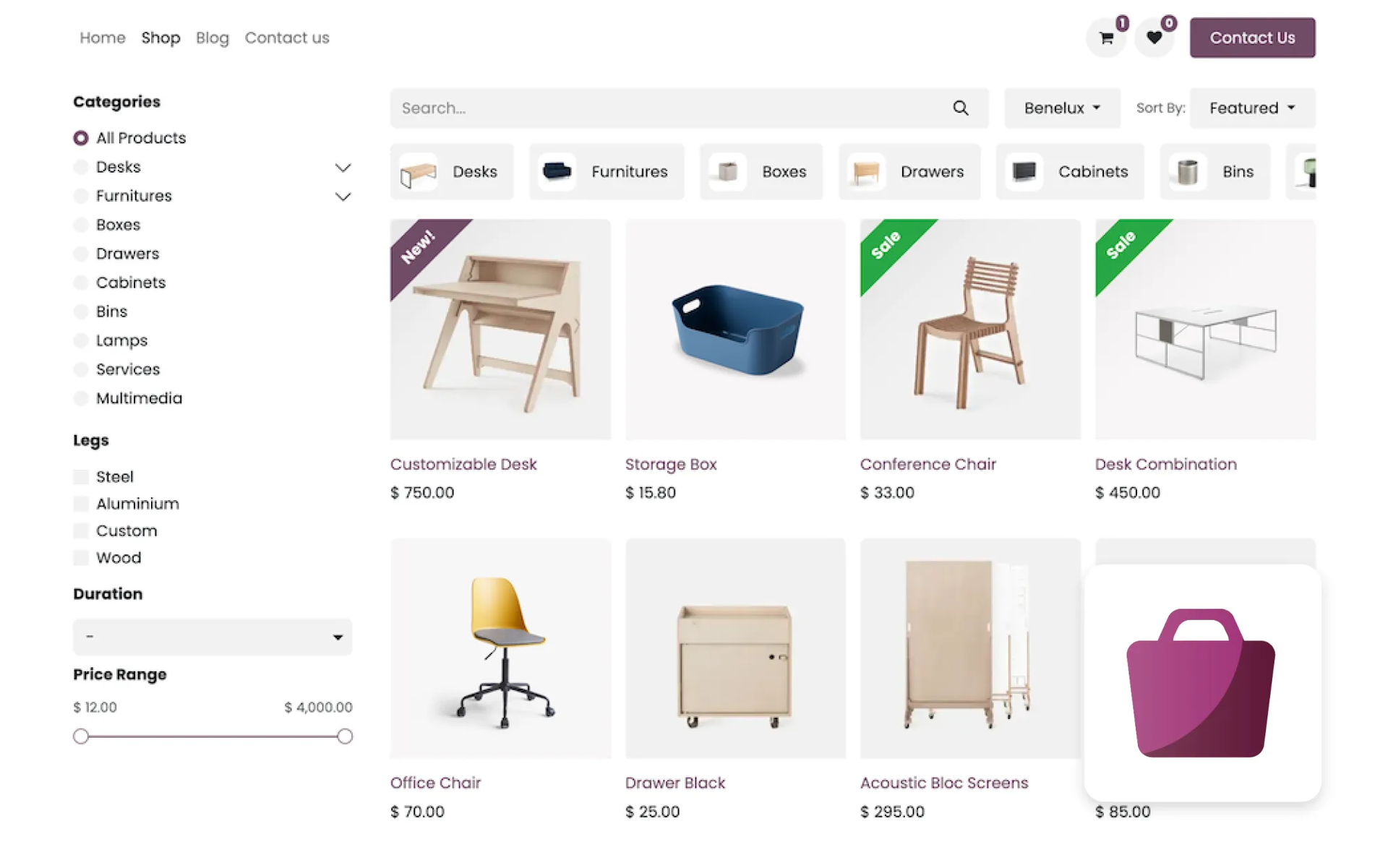
Thanks to this module, you get full integration with external platforms such as Amazon and Facebook. Customers can shop in familiar ways thanks to various payment methods and delivery options, including the option to pick up orders in person at the store.
eLearning
This module serves as a platform for creating and running online courses, offering teaching tools such as quizzes and prerequisites for subsequent lessons.
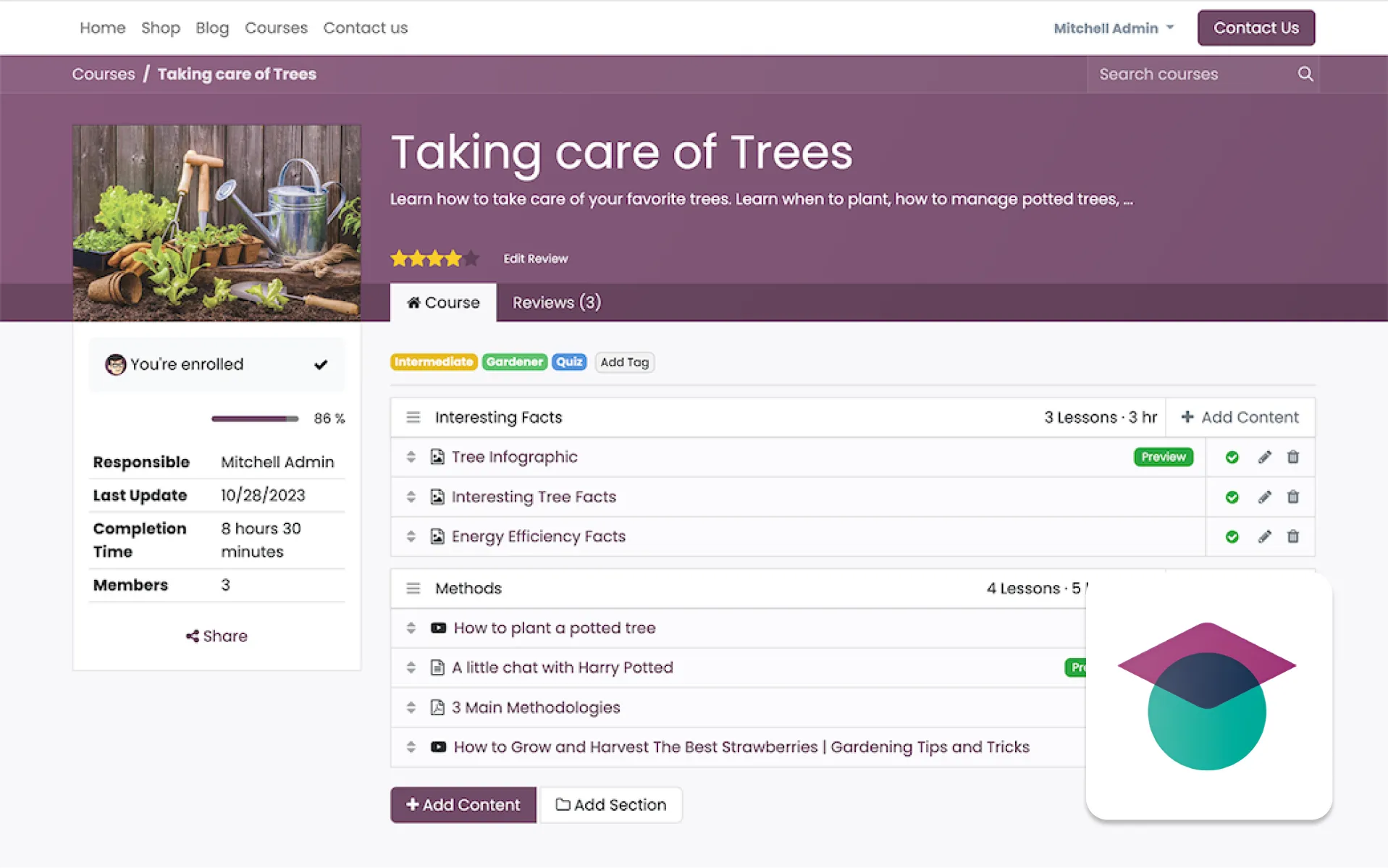
It allows building engagement through a built-in forum and review system, while also enabling easy sales and monetization of the content created.
Blog
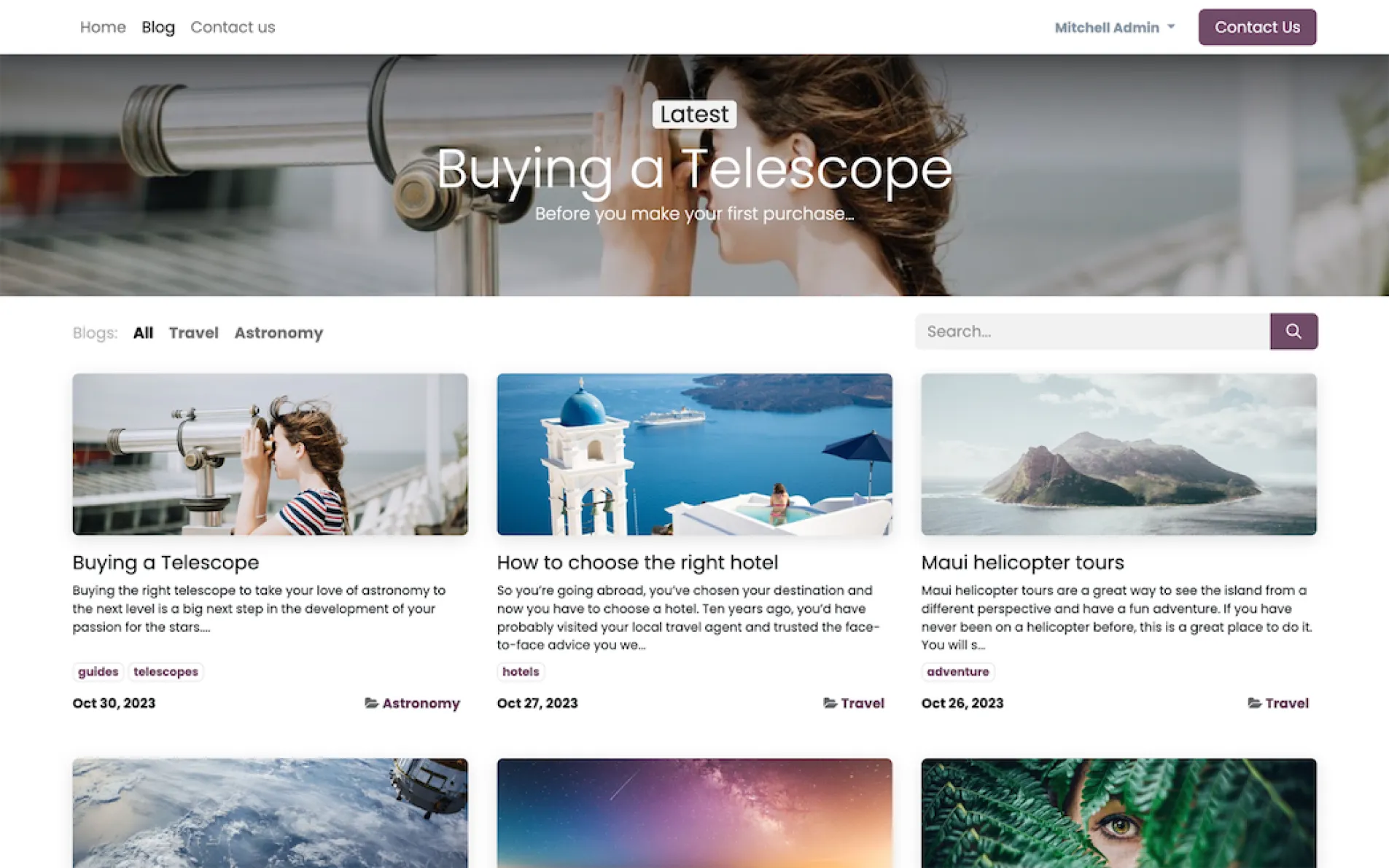
A module that allows you to create and run a blog very simply.
It's used for content management, engaging audiences, and building community, using an intuitive WYSIWYG text editor. It makes SEO optimization and content translation easier, along with adding free graphics, and provides built-in analytics tools to track metrics.
Forum
In this module you can create and manage an online forum, allowing users to help each other, which reduces the need for direct customer support.
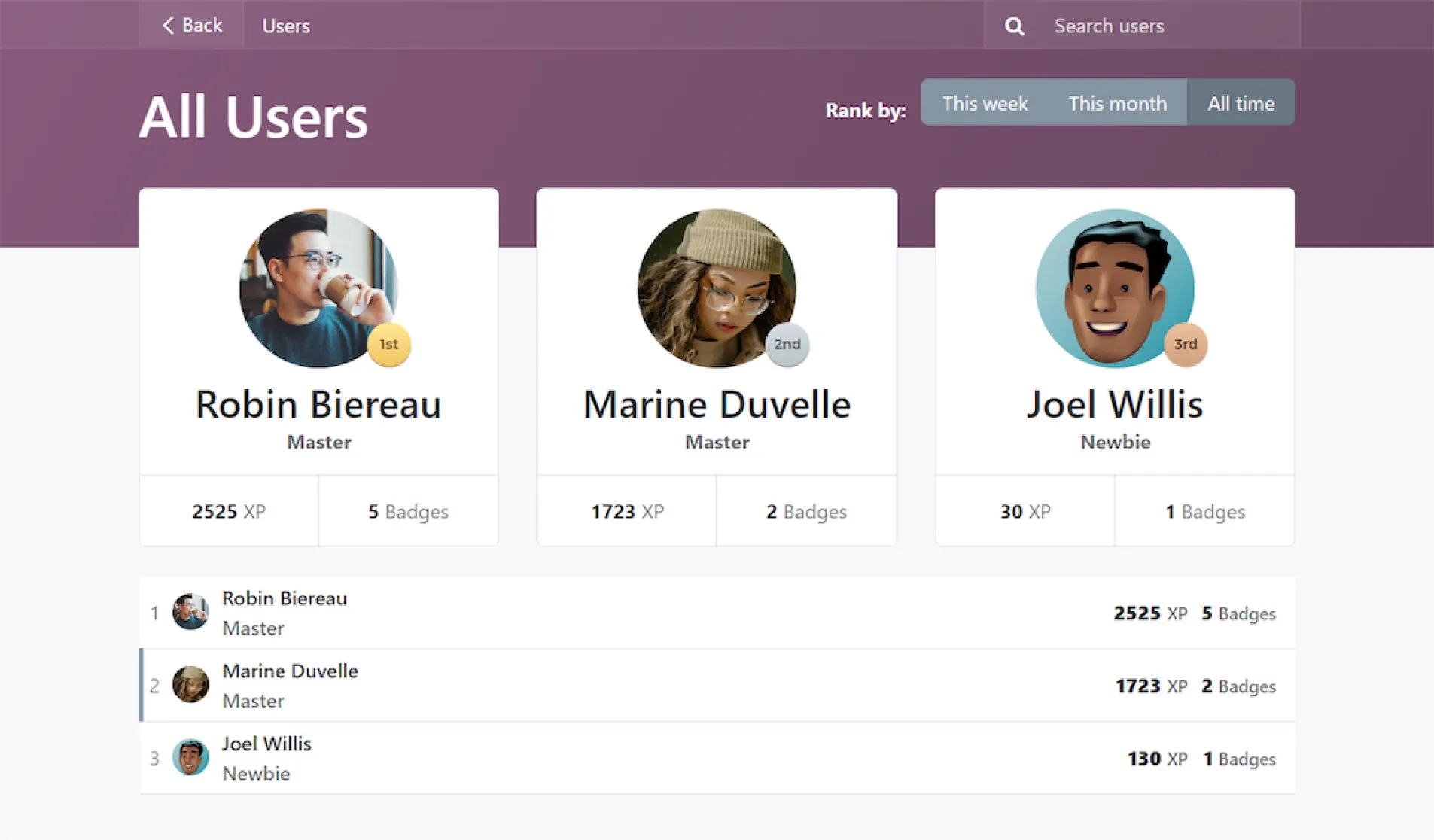
It encourages activity through gamification (Karma points, just like on Reddit) and allows organizing discussions into categories and subscribing to email notifications.
Live Chat
With this module you can have a chat on your website. It's an ideal solution that supports your site visitors in real time.
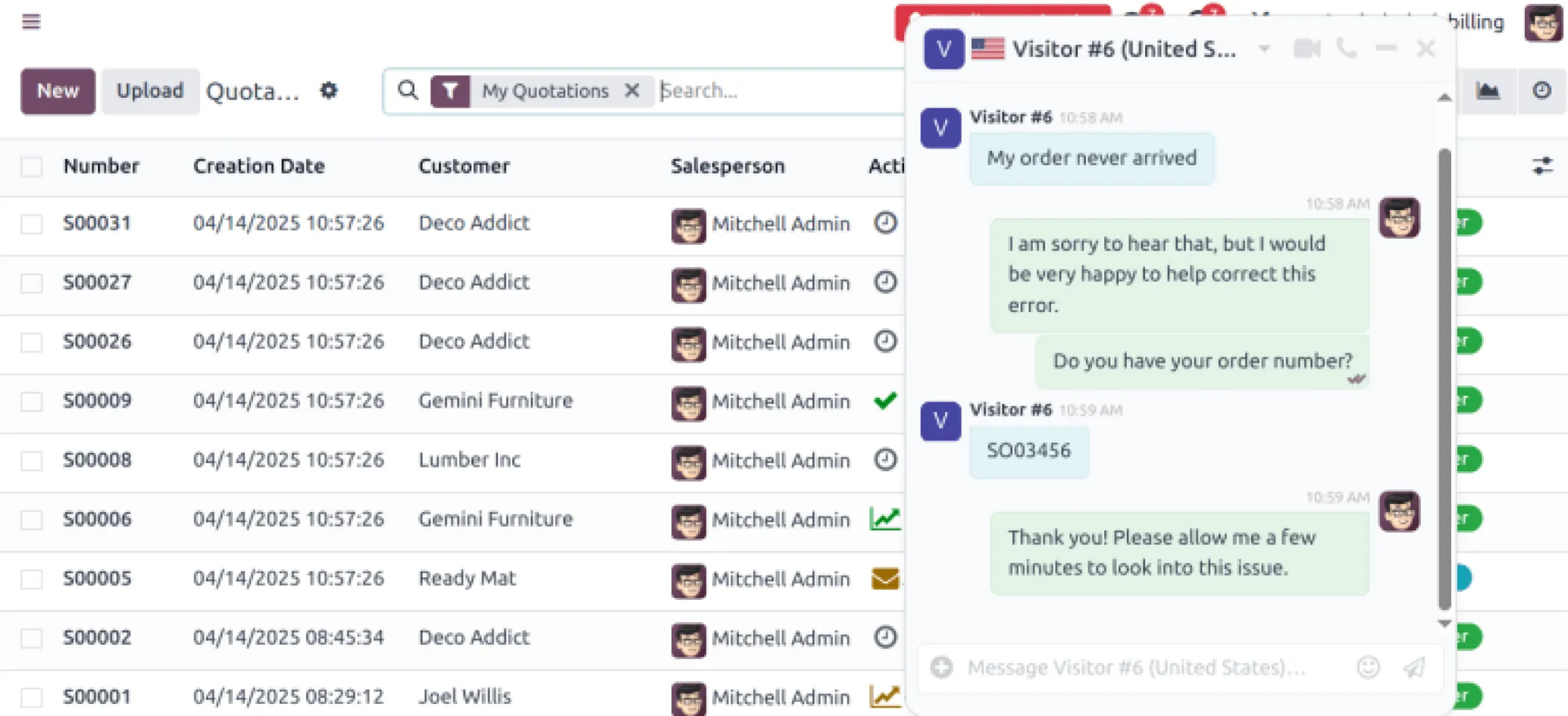
The chat allows for instant lead warming and creating Helpdesk tickets without leaving the chat window. The system integrates with other Odoo apps and offers the option to deploy a Chatbot that provides instant answers and 24/7 support.
5. Work Organization and HR
Modules for managing your team, tasks, and internal communication.
Employees
The module serves as a central employee directory, offering a full overview of departments, and allows managing confidential data and skills within a restricted access framework.
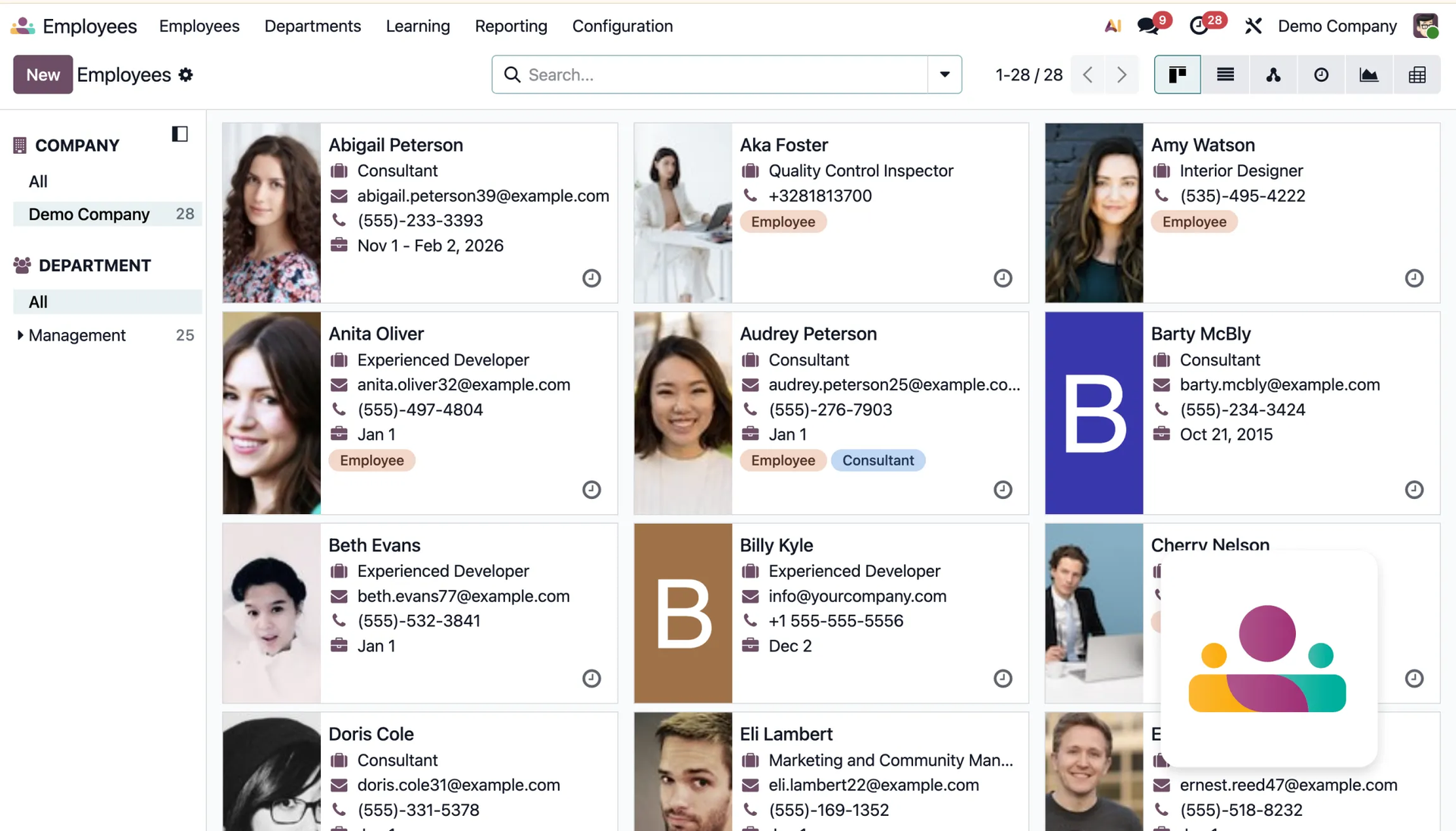
This makes HR processes such as leave management, attendance tracking, planning performance reviews, and secure document storage simpler.
Recruitment
The module streamlines the recruitment process and is used to quickly find the best candidates for your team.
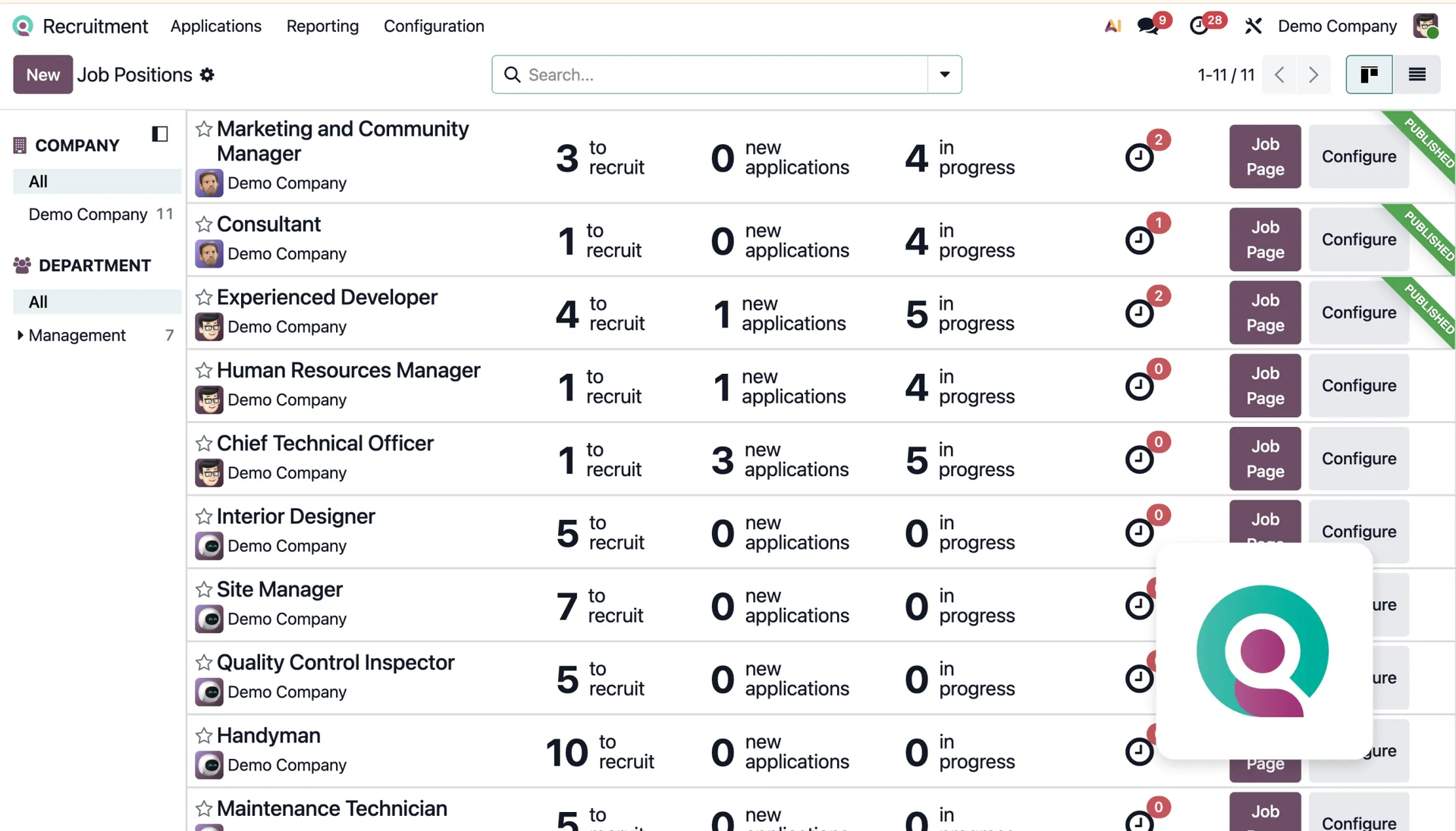
The module tracks all job postings and applications, presenting candidate status in a Kanban view. It also automates data import, sending emails, and scheduling meetings (candidates book their own time slots), and provides detailed analytical reports on the effectiveness of sourcing channels. This lets you continuously improve the entire process.
Time Off
The module is used for comprehensive management of time-off requests, from leave allocation to approval.
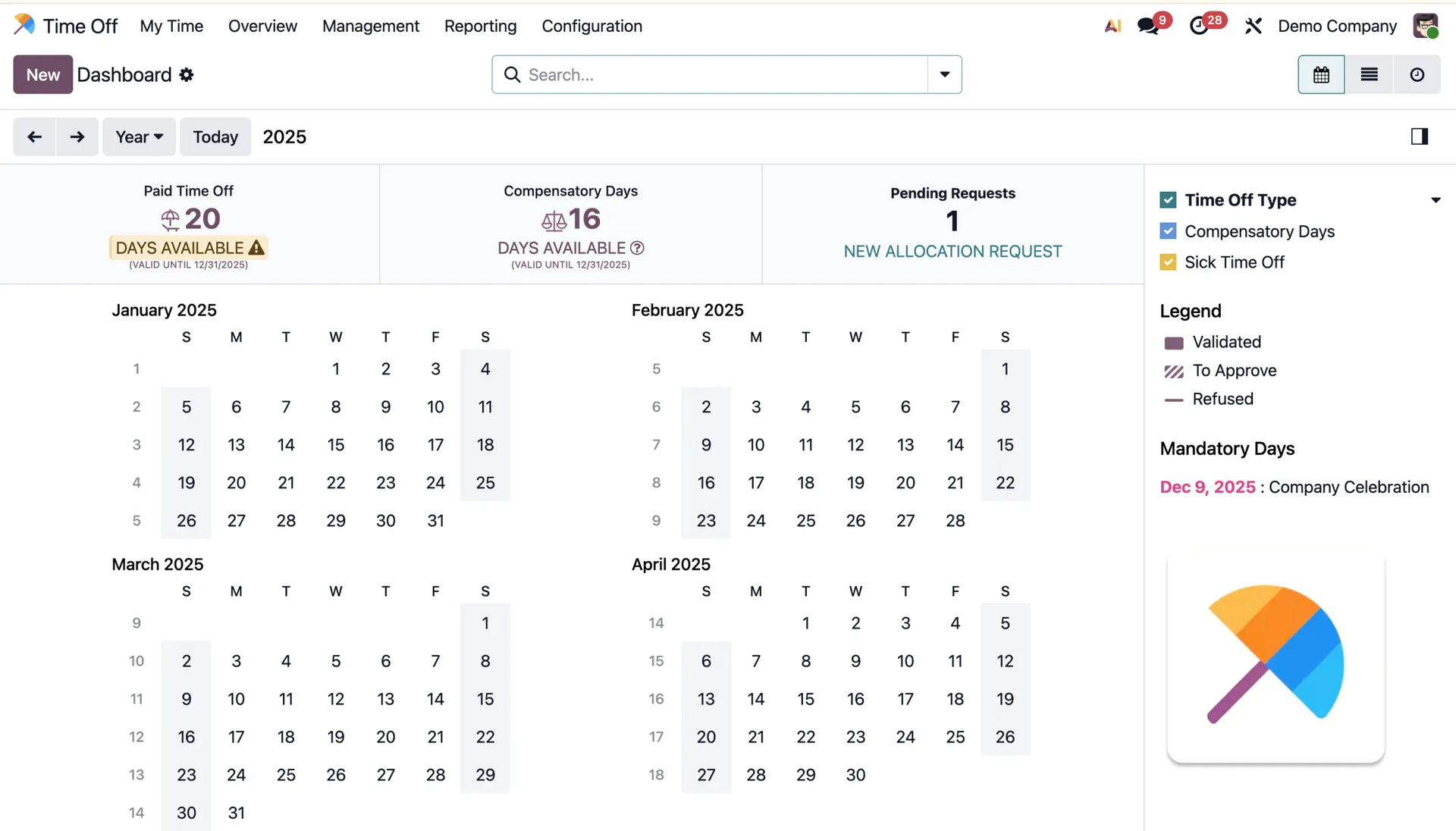
The module simplifies the whole process for employees and approvers, allowing configuration of any number of leave types and one-click approval of requests. The system supports accrual plans, defining mandatory attendance days, and provides detailed reports for analyzing leave trends.
Appraisals
The module is used for planning and conducting periodic employee performance reviews and collecting valuable feedback.
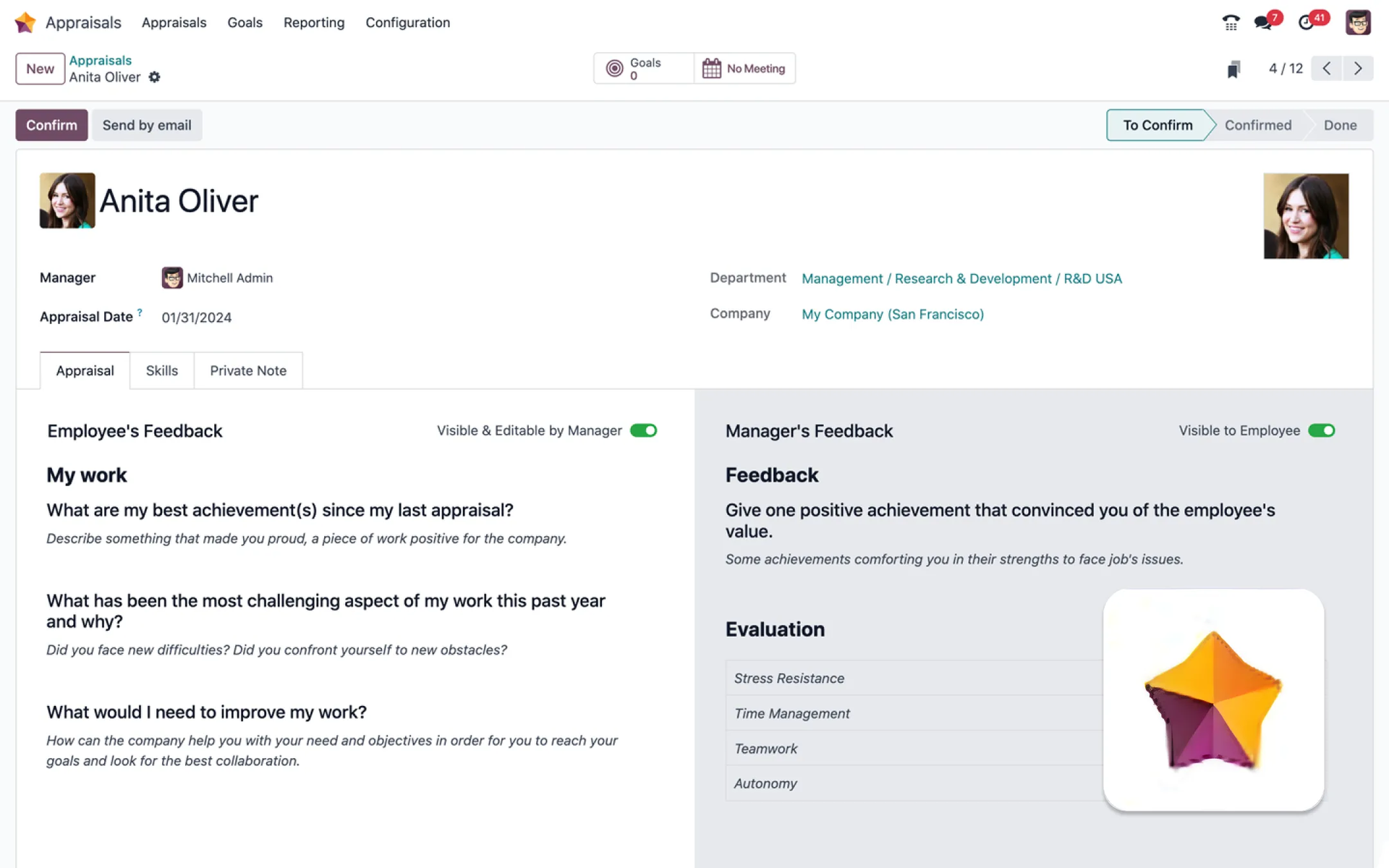
The app centralizes the evaluation process, giving a clear overview of statuses in a calendar and automating the generation of feedback requests. Here you can create custom questionnaires and turn completed appraisals into PDF documents.
Referrals
The module is used to encourage employees to refer qualified candidates and to manage this process.
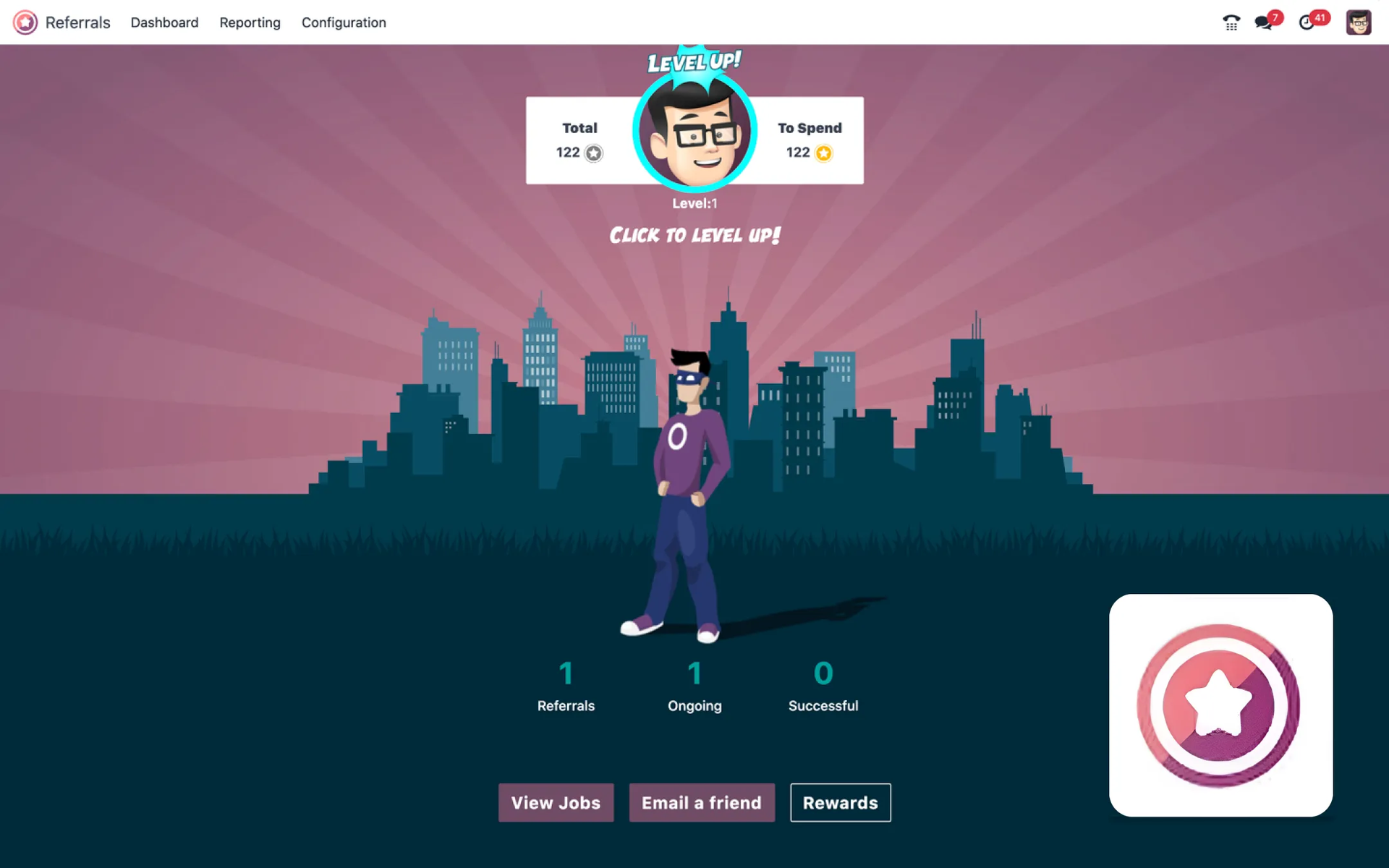
The app provides an intuitive tool for referring open positions via email or social media, and allows easy tracking of a friend's recruitment progress. It motivates employee participation through gamification and the ability to exchange points for rewards. It's a very interesting concept that can engage employees — see for yourself.
Fleet
The module is used to manage company vehicles, monitor contracts, repairs, and related operating costs.
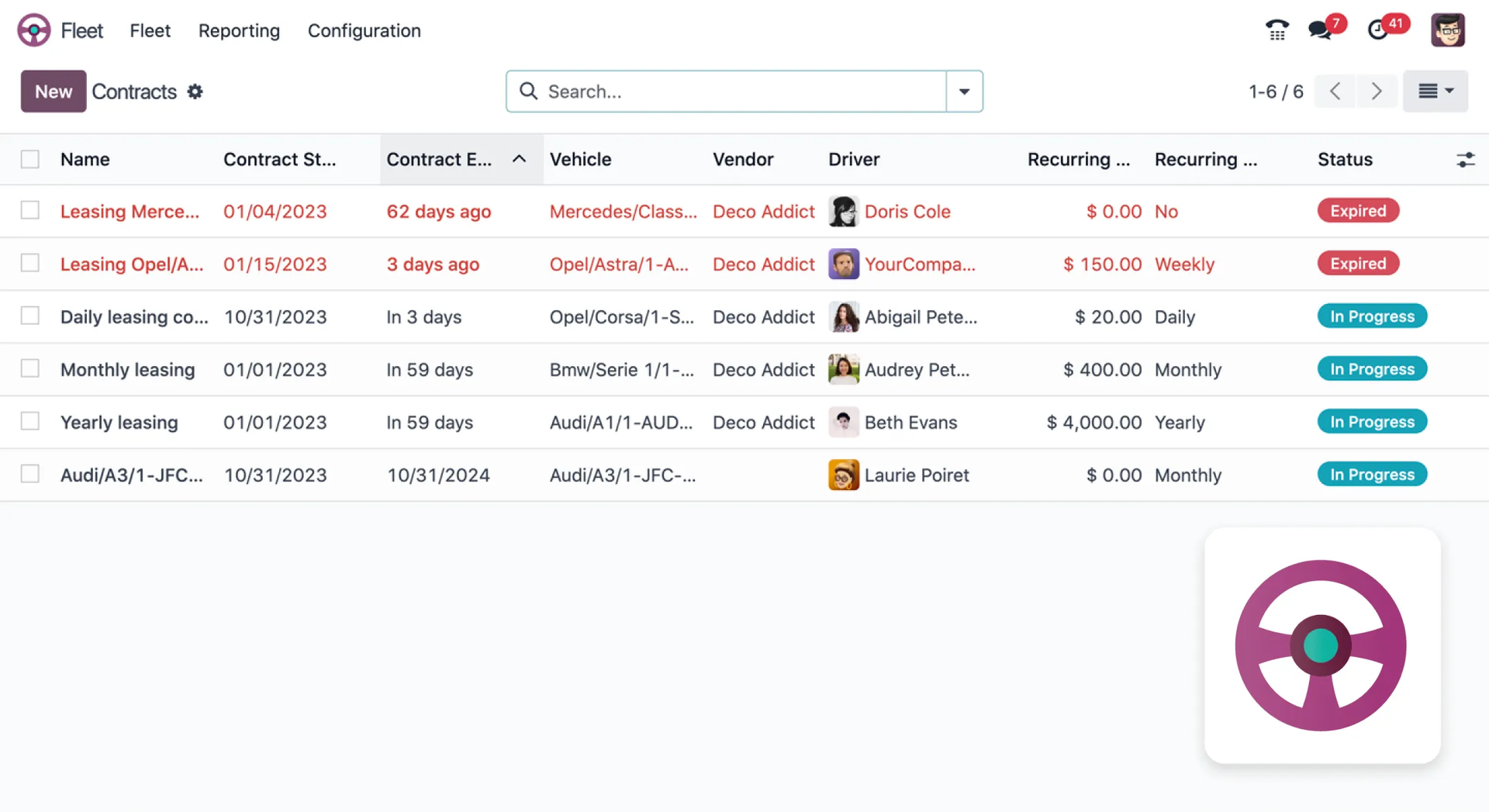
With the Fleet module in Odoo, you can manage all leasing and insurance contracts in one place, automatically sending notifications about upcoming expirations and scheduled inspections. This app tracks all expenses (e.g. related to fuel or repairs) and automatically adds recurring costs to accounting, while providing detailed reports you can use to continuously optimize investment in this area.
6. Marketing
Modules that help with marketing activities.
Marketing Automation
The module is used to configure and run advanced marketing campaigns using automated workflows.
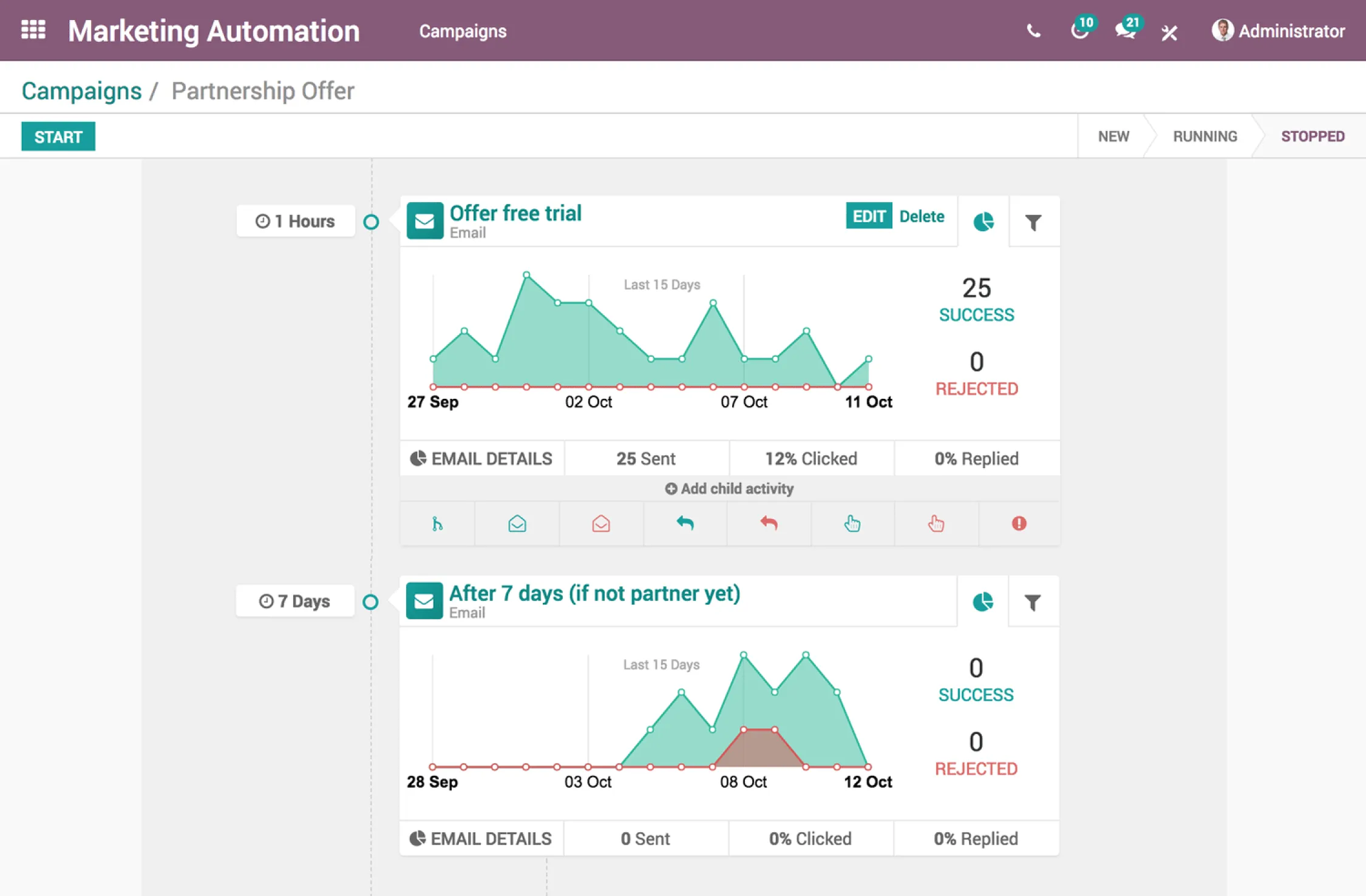
The app allows you to segment potential customers and create comprehensive, multi-step customer journeys using a very easy-to-use drag-and-drop interface. It automates not only email sending but also other tasks, such as moving leads in the CRM or updating records, based on "if-then" actions.
Email Marketing
The module is used to quickly create, send, and manage professional email campaigns.
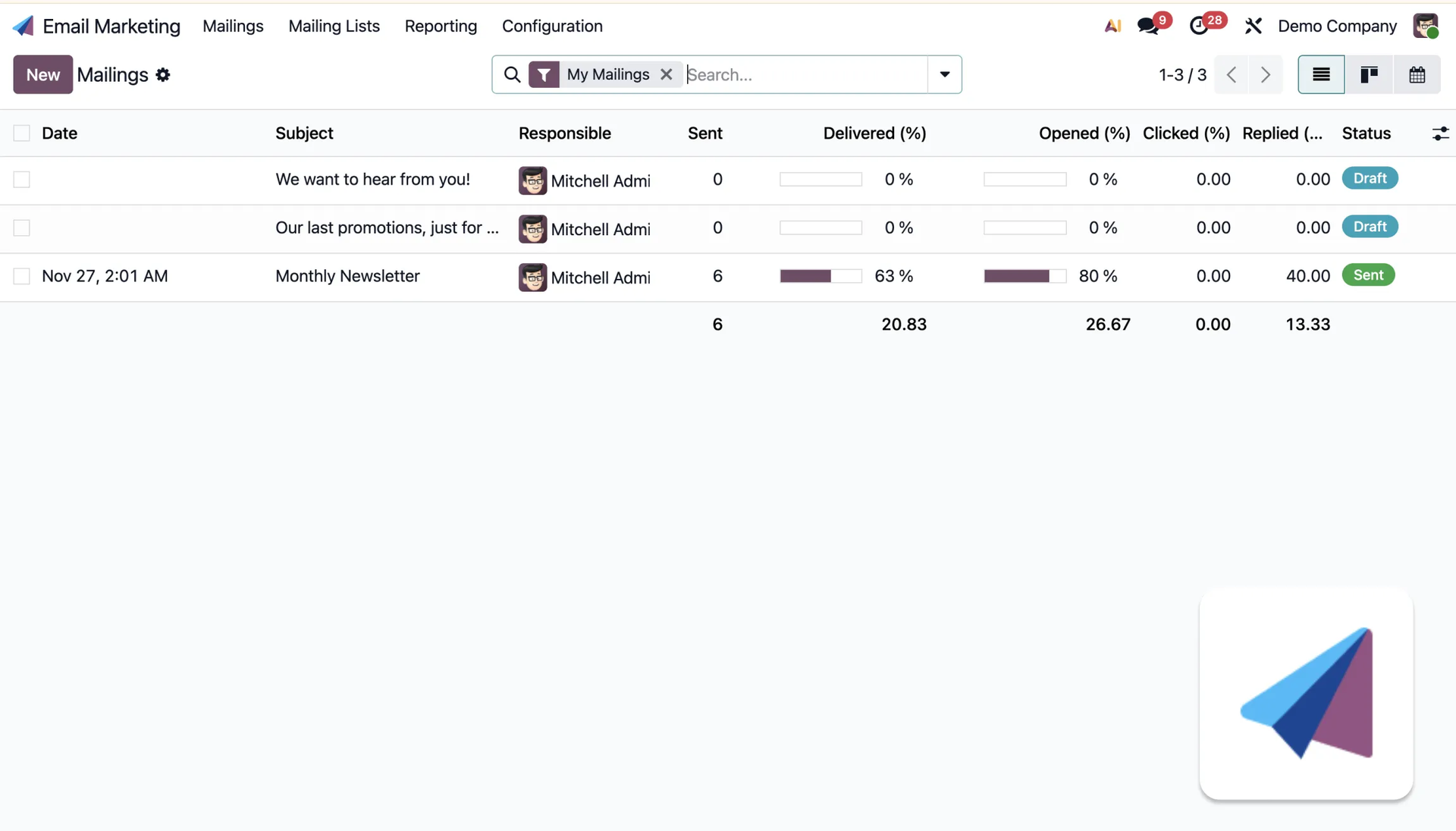
In Odoo you can create email content from scratch very easily, or use ready-made templates designed to display correctly on every device. You can also send personalized emails better tailored to the needs of a specific group. The module provides detailed real-time statistics and integrates with the CRM to accurately calculate ROI.
SMS Marketing
The same concept as the email marketing module, but for SMS campaigns.
SMS Marketing is a tool for instantly delivering urgent information and promotions, since these messages are read almost immediately (nearly 98% open rate).
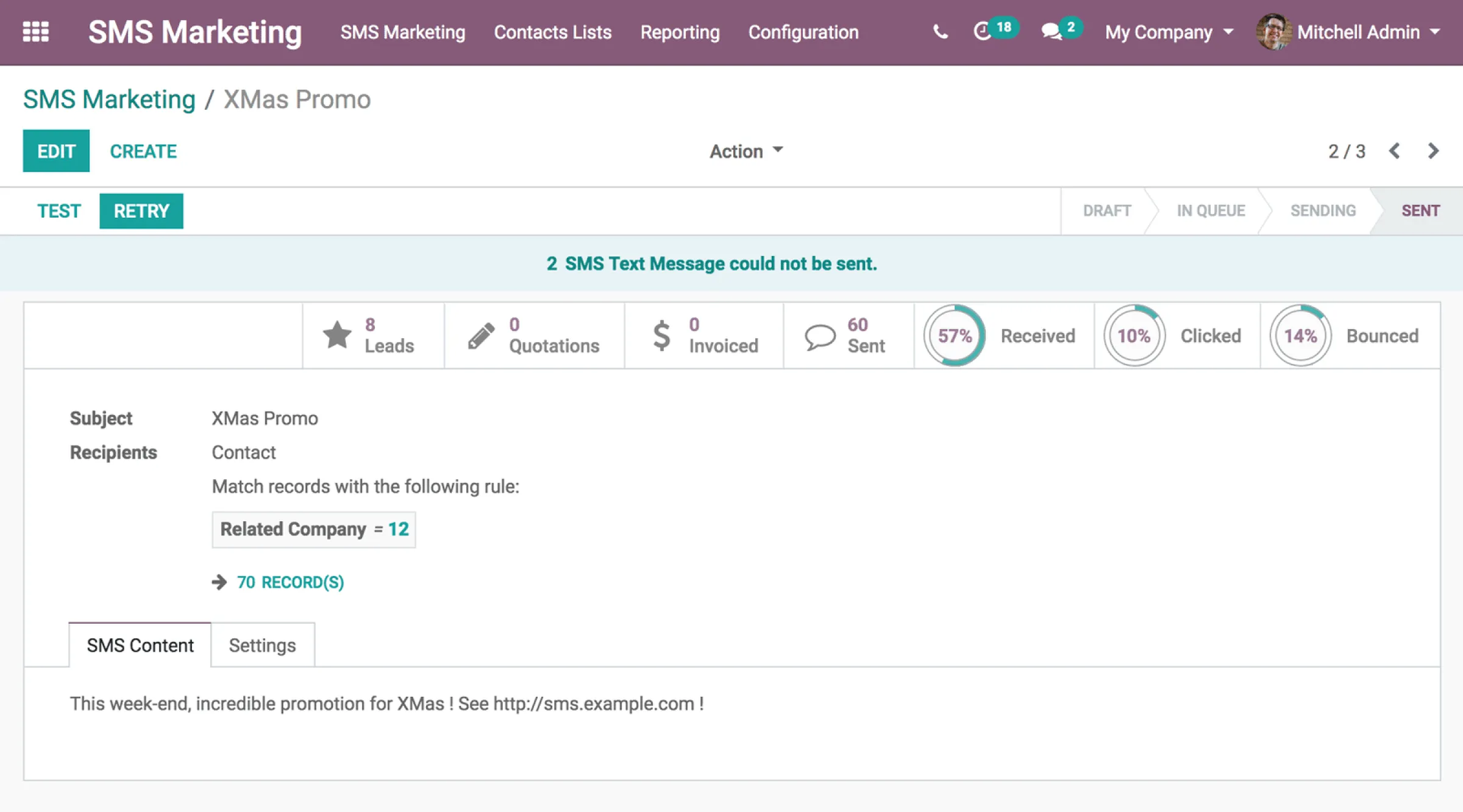
The system allows scheduling campaigns in advance, automatically shortens links, and monitors click-through rates and revenue generated by the campaign.
Social Marketing
The module is used to manage all social media accounts from a single central dashboard.
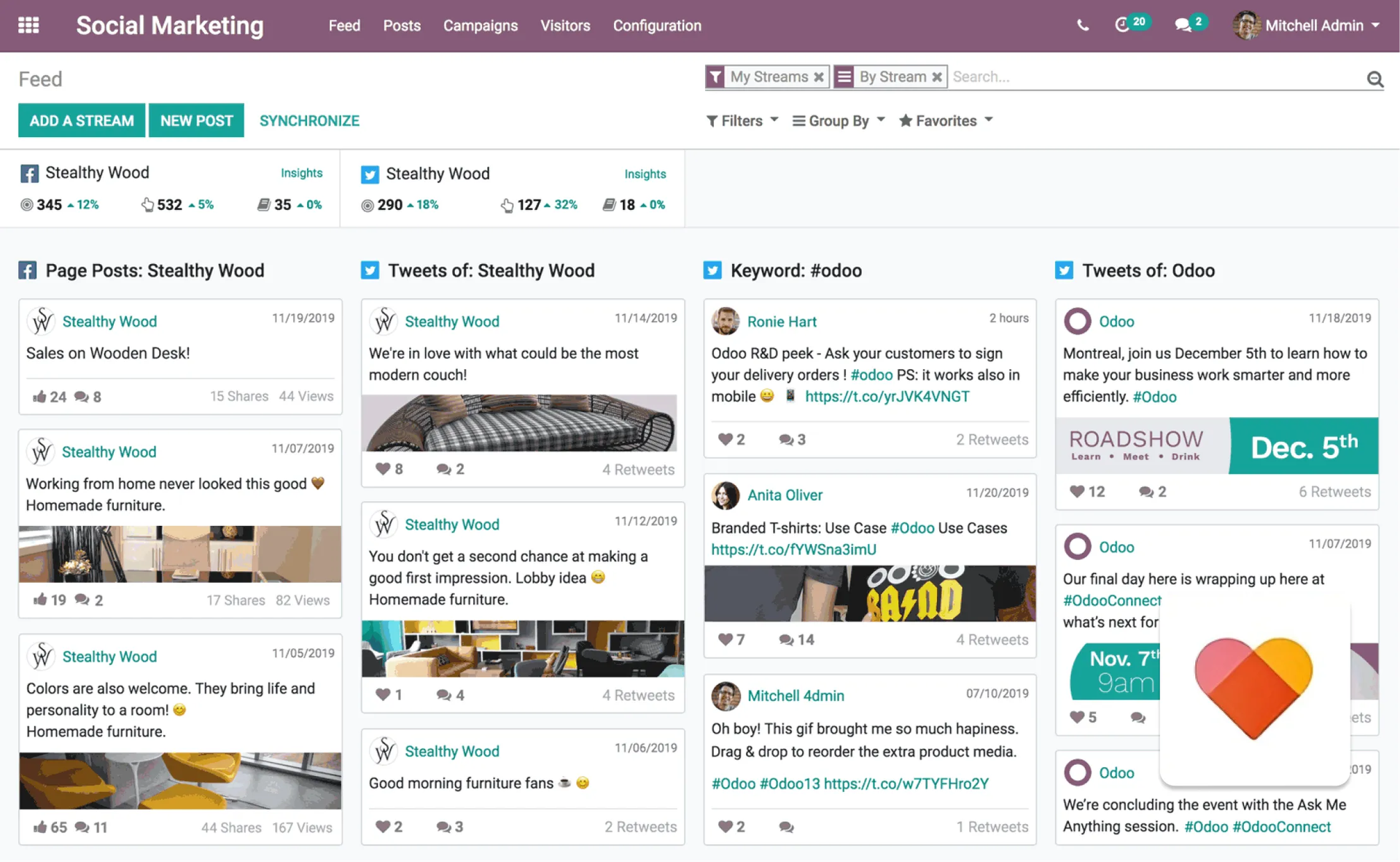
The app integrates planning, monitoring, and analytics functions, allowing you to comment on and interact directly with followers without switching accounts. Odoo also supports building engagement through push notifications and a built-in live chat feature.
Events
The module is used for comprehensive organization, publishing, promotion, and ticket sales for events, both physical and virtual
.
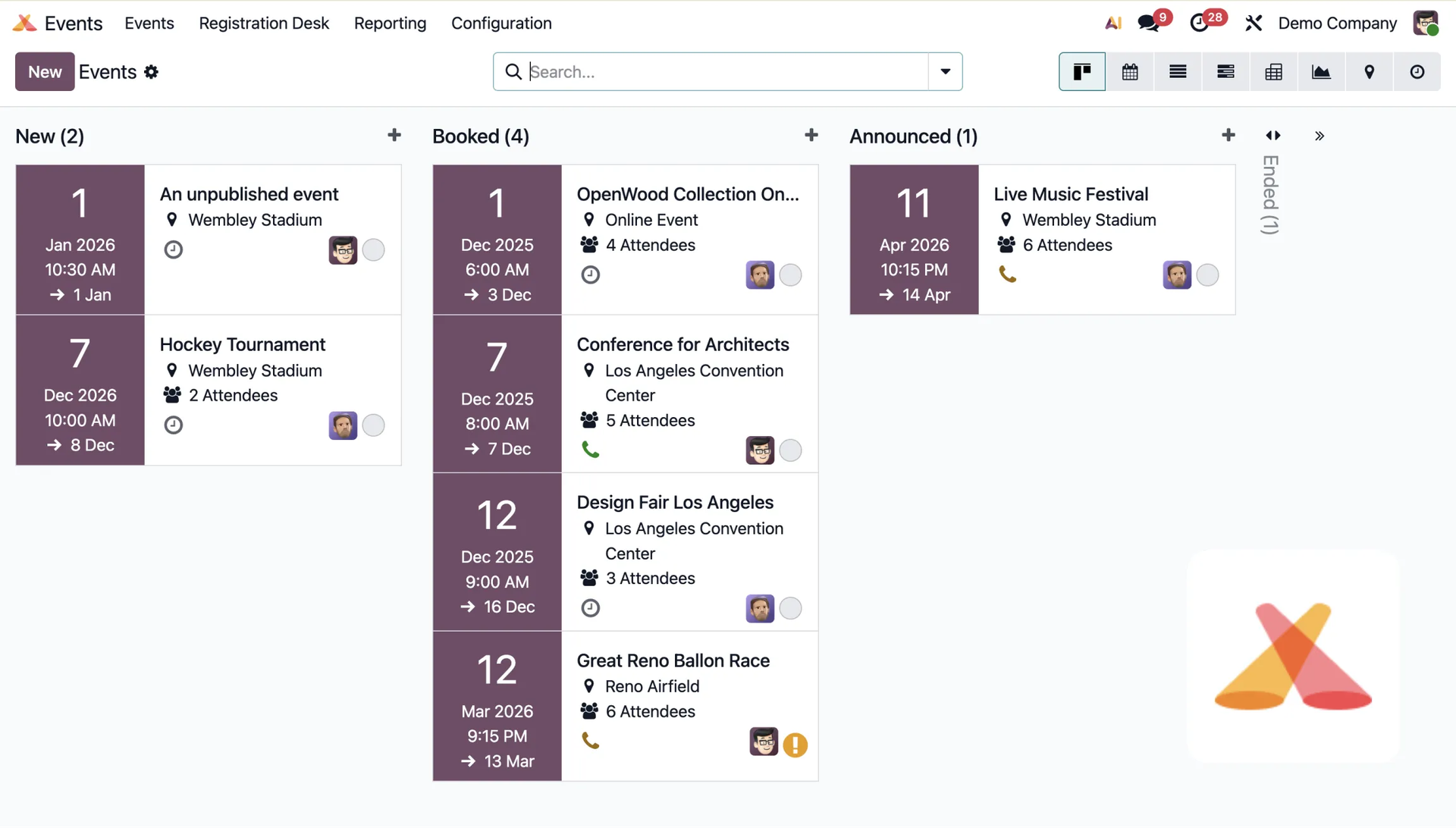
The app covers all aspects of event planning, including managing speakers, calendars, and approving presentation proposals using a Gantt view. It simplifies online ticket sales (e.g. through early-bird pricing), sponsor management, and integrates built-in SEO tools and Google Analytics for monitoring.
Surveys
The module is used to quickly and intuitively create, share, and analyze online questionnaires.
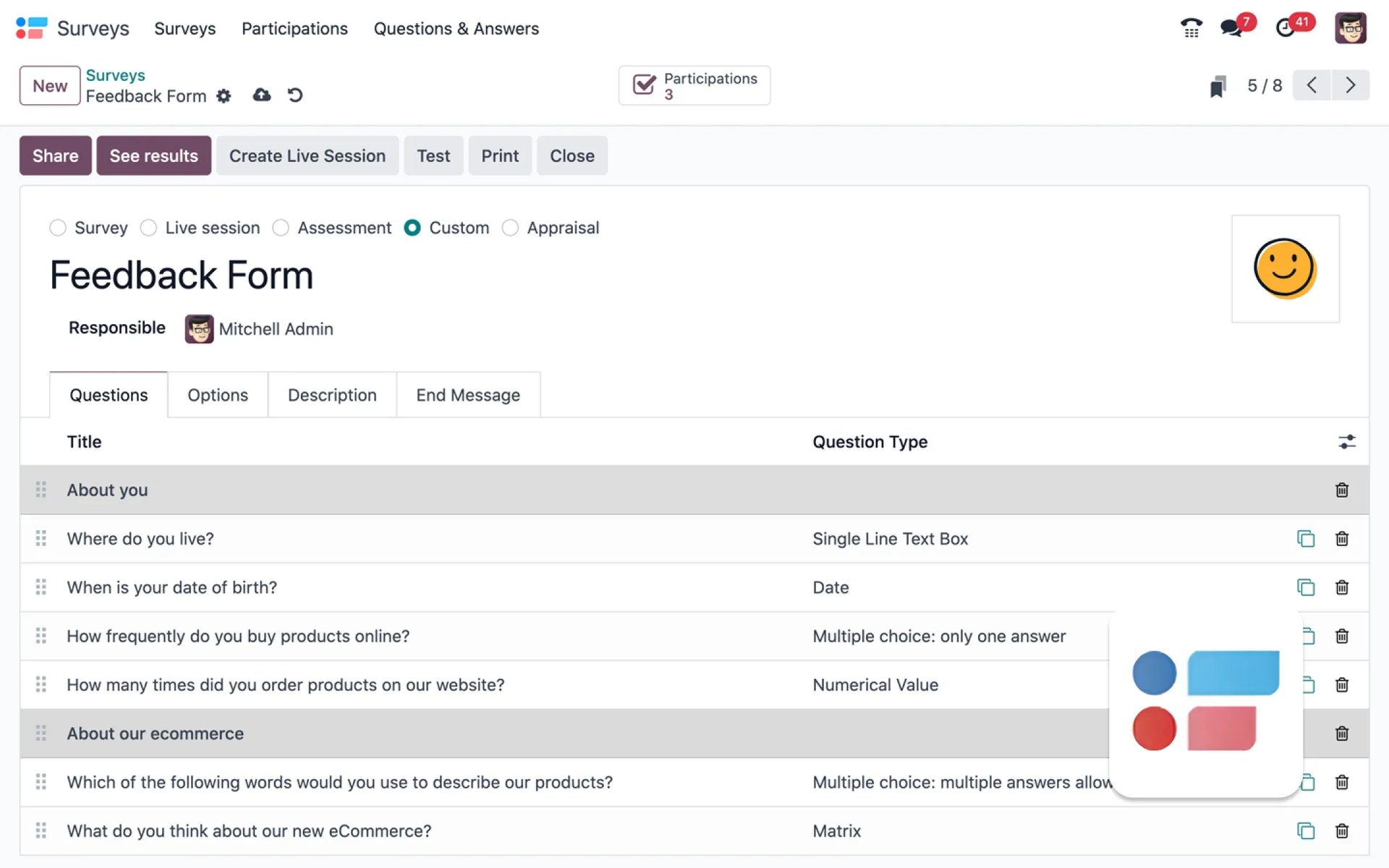
You can add images to forms, and send completed questionnaires right away — for example, for marketing activities, employee evaluations, or satisfaction surveys. It automatically generates and analyzes result charts in real time, allowing you to run interactive live sessions with a participant ranking.
7. Services
Modules for working with the broad services industry.
Project The module organizes tasks in a Kanban-board style and is used to track work progress and deadlines.
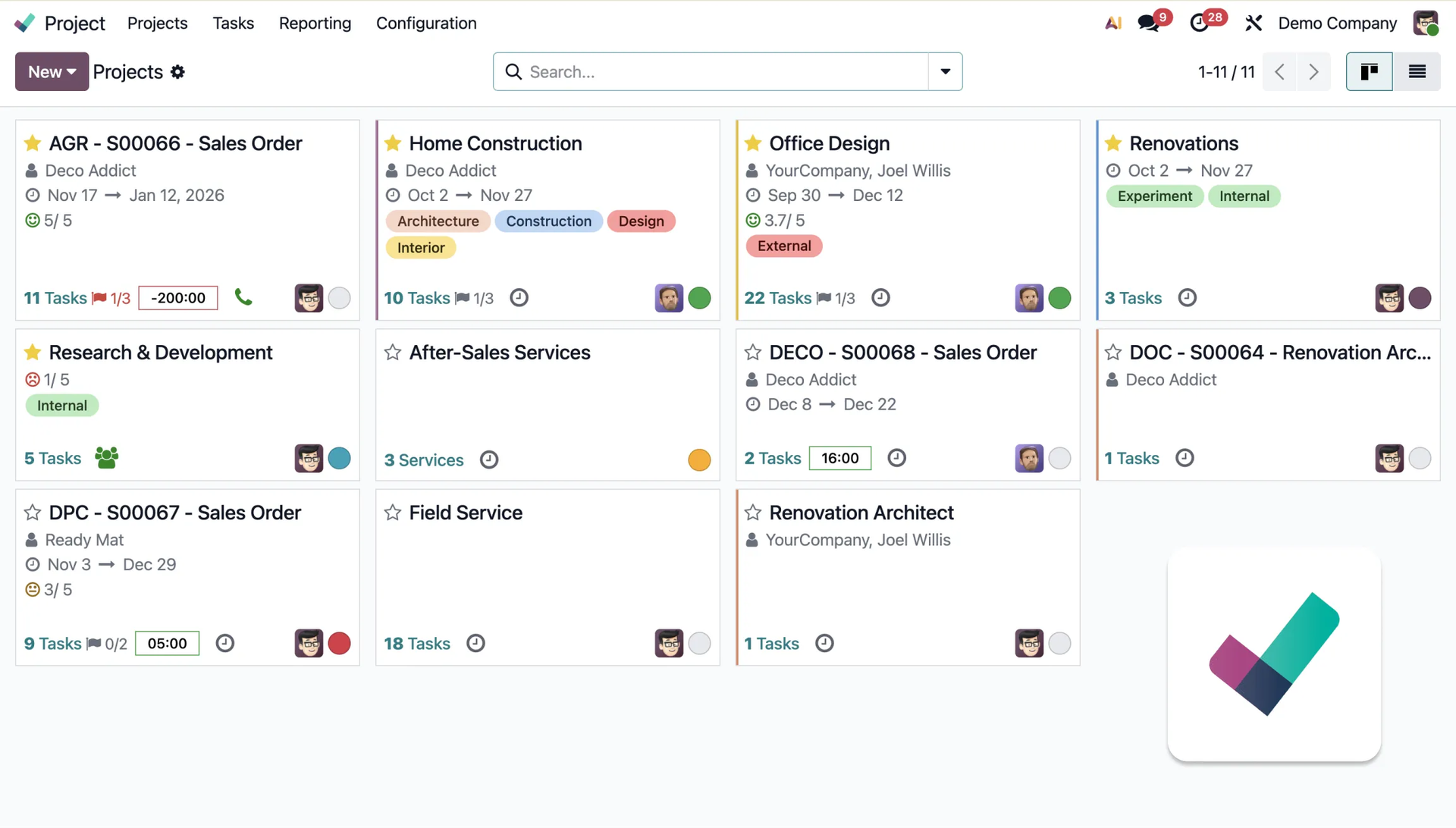
You can use Kanban, Gantt, and List views here, and give clients the ability to track work progress through a dedicated portal. The system supports invoicing based on timesheets or milestones, integrates costs and revenue with the budget, and provides detailed real-time reports on profitability and resources.
Timesheets
The module is used to intelligently track team time spent on tasks and simplify service invoicing.
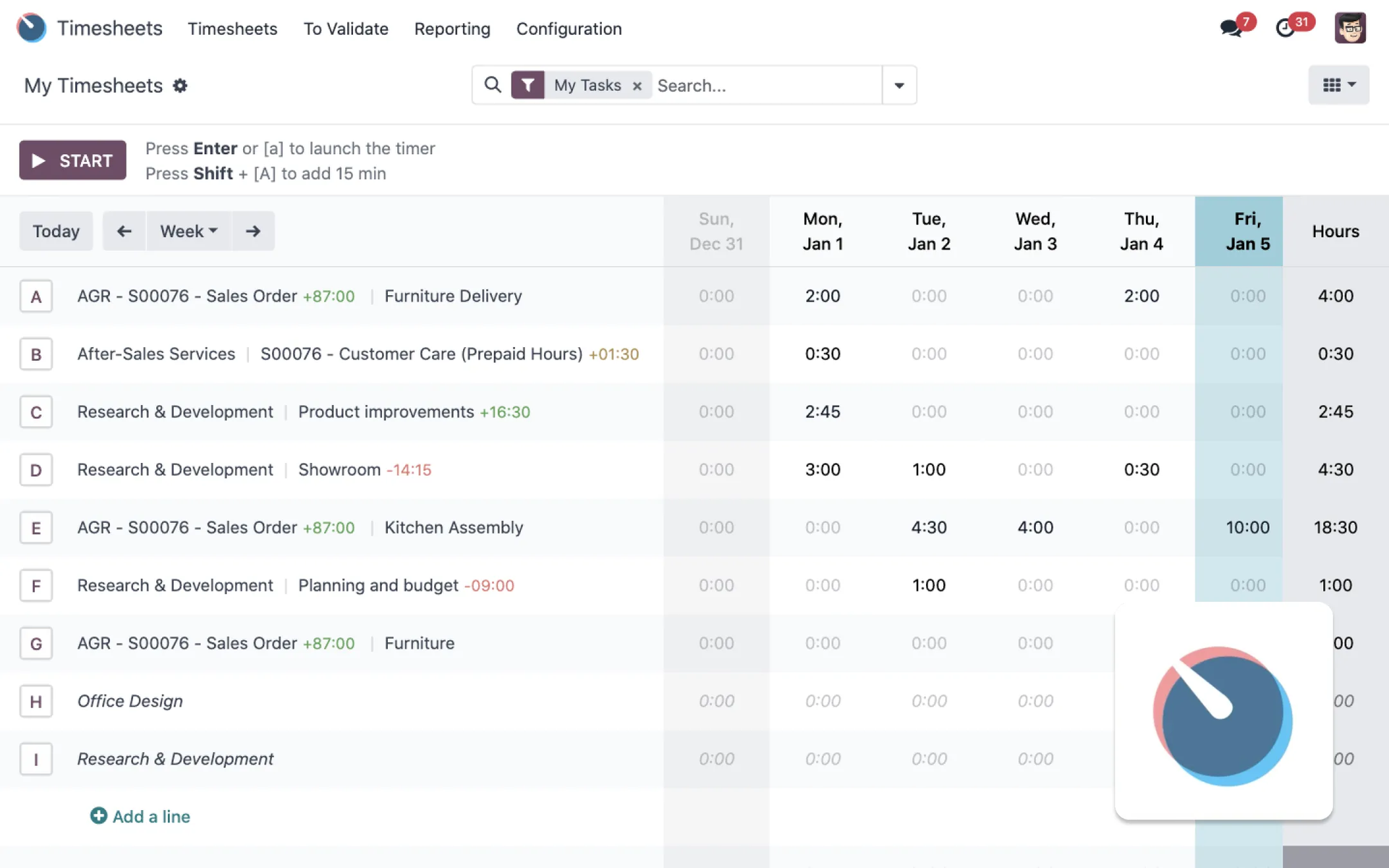
The app runs a live timer, giving insight into billable time by project, task, or team member, and integrates with sales orders. The system supports one-click timesheet approval, sends reminders to users, and offers five different views for monitoring overtime and maintaining profitability.
Field Service
The module is used to organize and manage the work of teams providing services in the field.
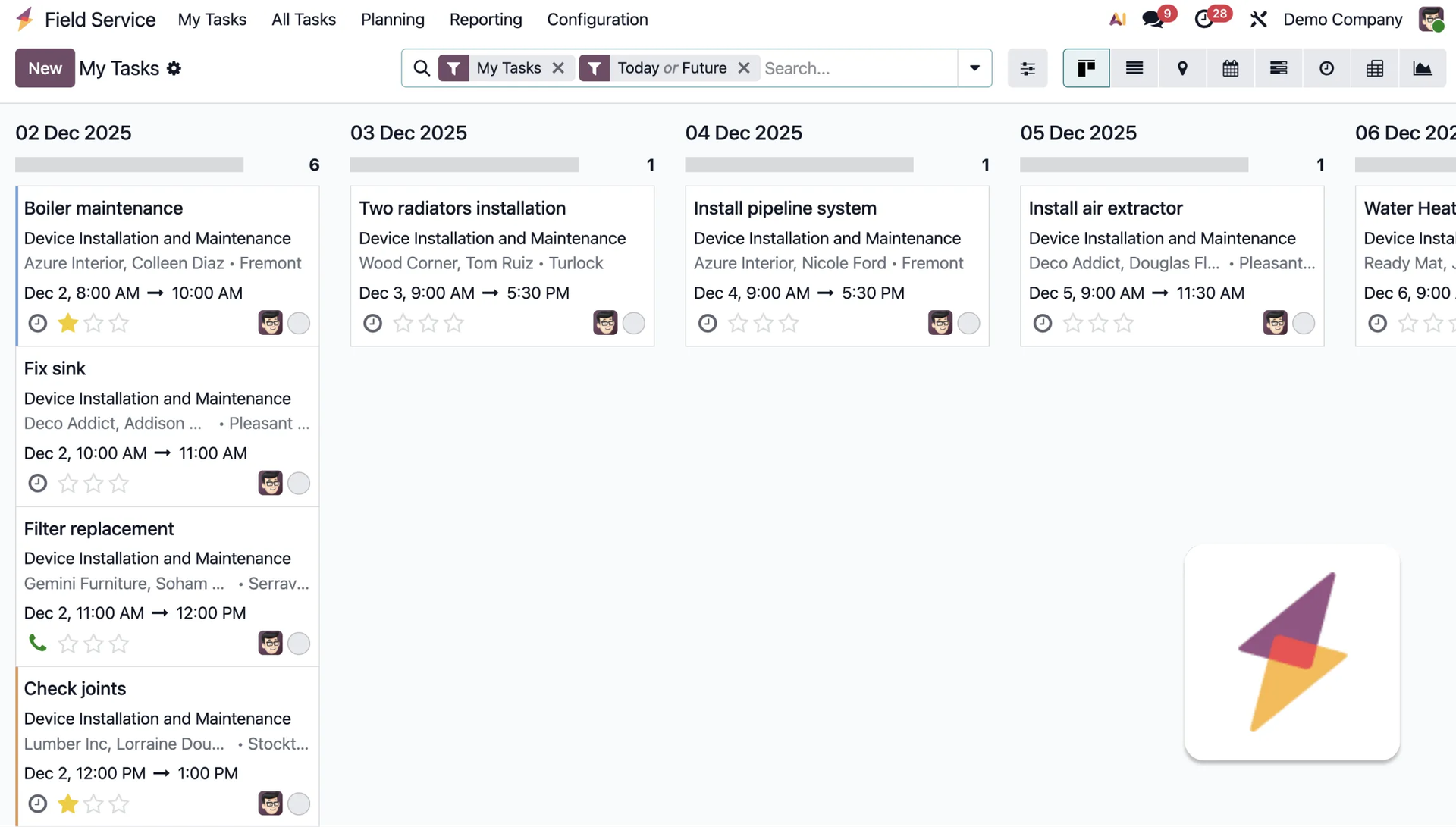
The app offers several views (Kanban, Gantt, Calendar, Map) for intuitively planning the team's day and routes, and supports interventions through a fully functional mobile app. The system tracks work time, updates stock levels of parts used, and automatically generates pre-filled invoices on-site, collecting digital signatures.
Helpdesk
The module is used to manage customer tickets, track them, and organize the support team's work.
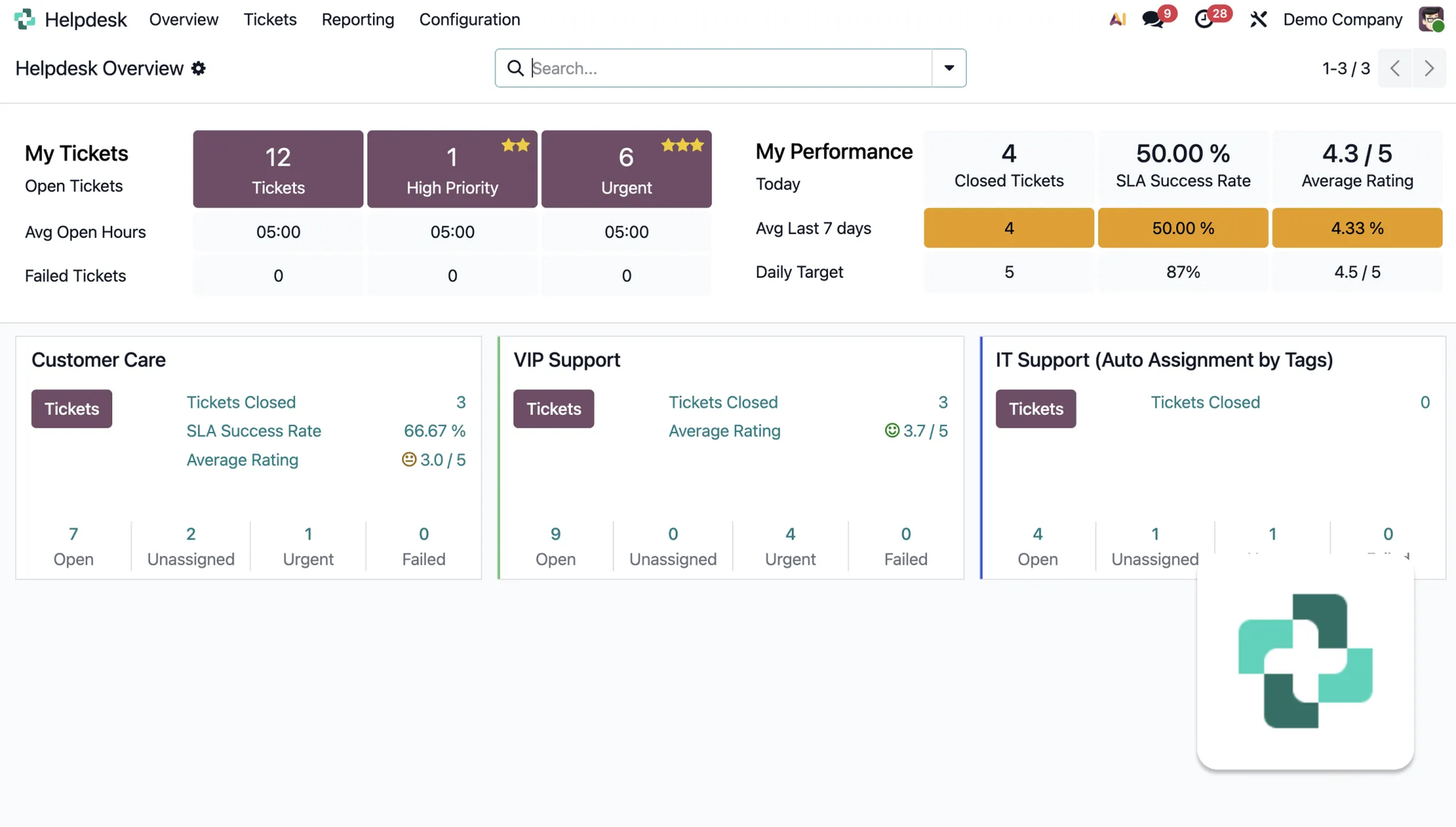
Odoo collects tickets from multiple channels (email, form, Live Chat) and organizes them in a Kanban view, providing insight into workload and SLA statuses. The system automates tasks at various stages, supports selling support contracts, and offers self-service through an integrated knowledge base and forum.
Planning
The module is used to create clear work schedules, manage shifts, and effectively coordinate resources and tasks.
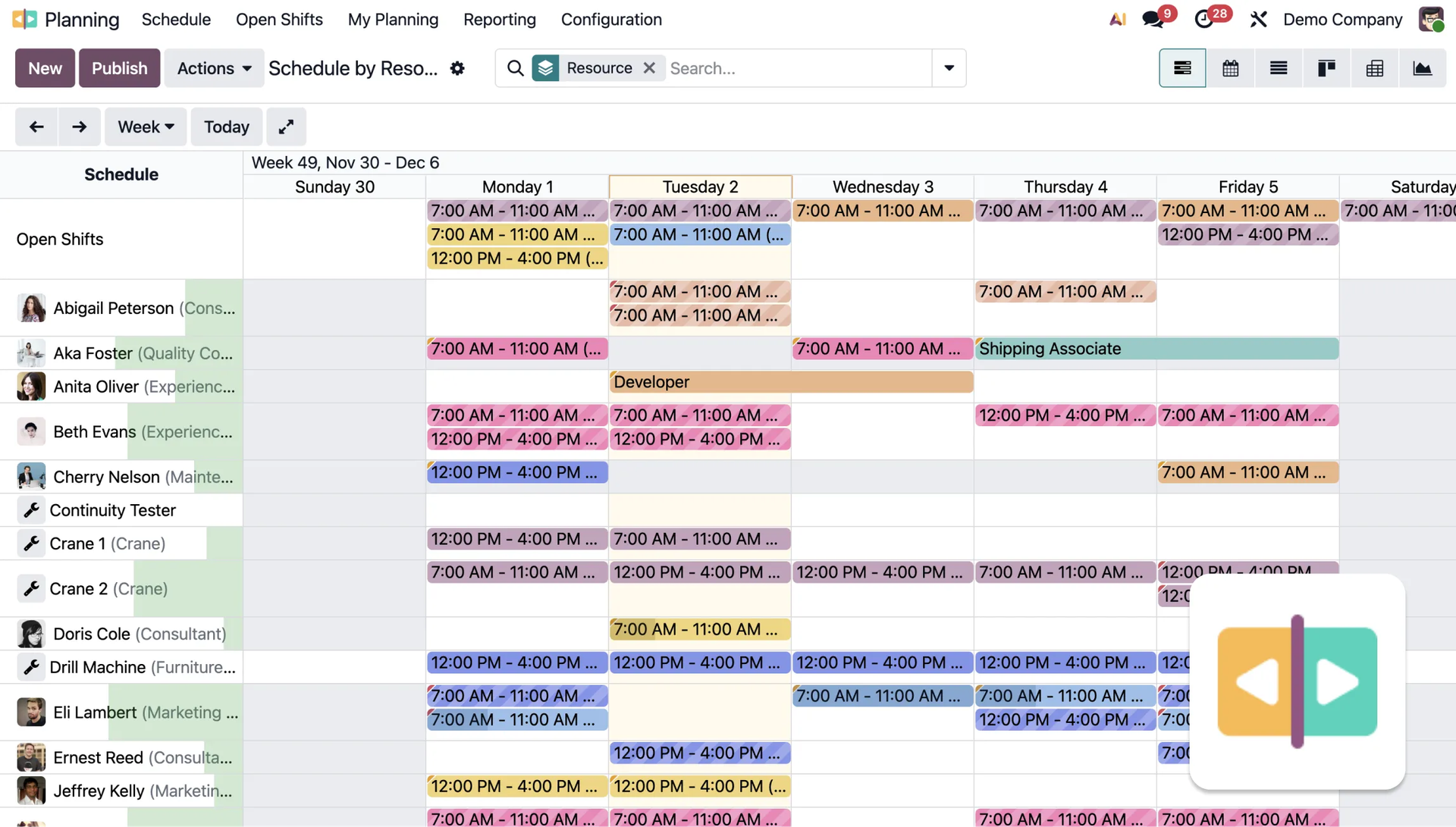
The app visualizes and optimizes schedules using a Gantt chart, which helps create templates, automatically plan, and manage recurring tasks. This simplifies changing and reassigning shifts via drag-and-drop, warns about conflicts, and provides advanced pivot tables for data analysis.
Appointments
The module is used to automatically schedule online meetings, giving clients the ability to book time slots according to their own availability.
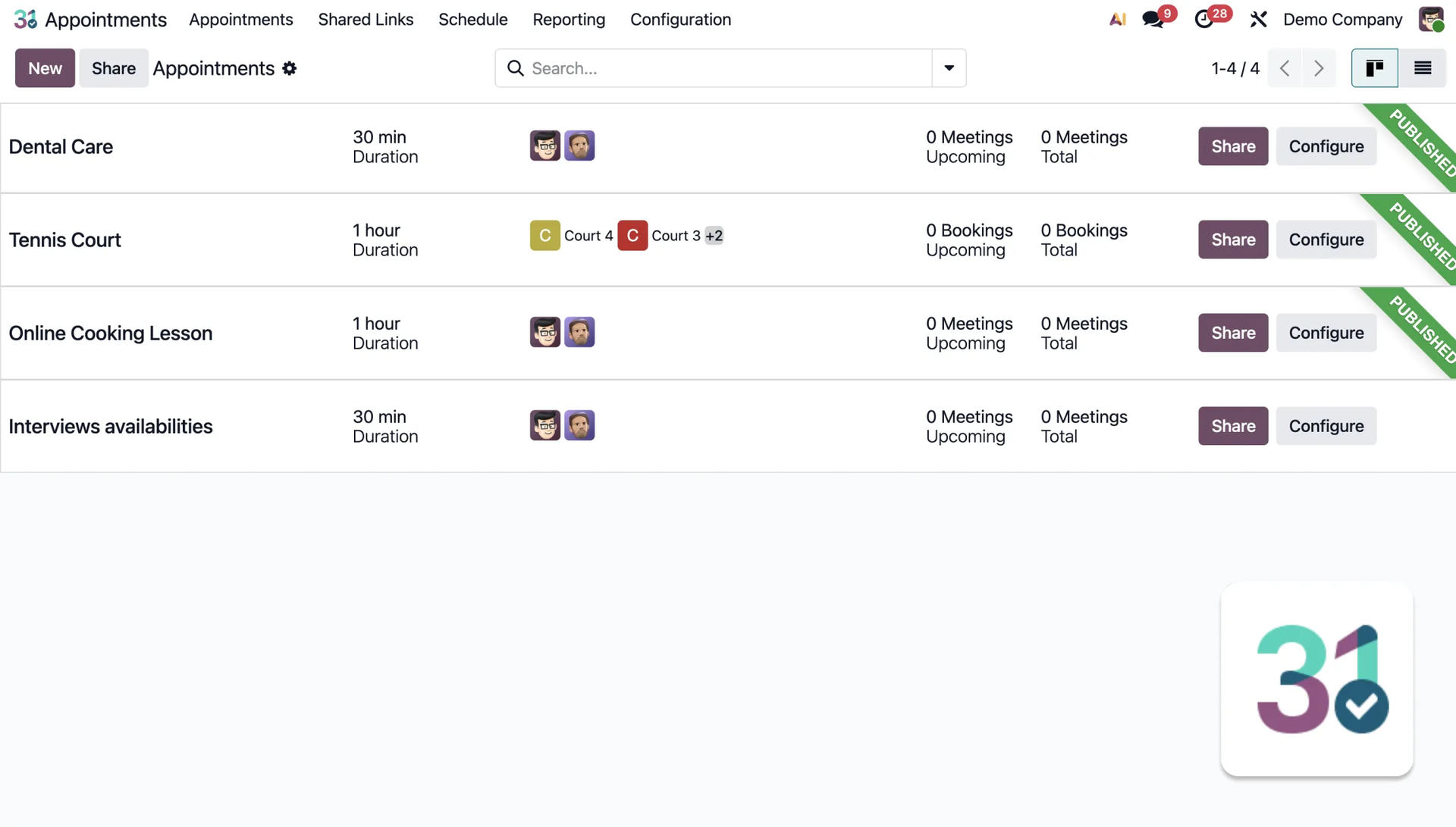
The app integrates with calendars (including Odoo, Google, Outlook) and generates booking links that clients can use in just a few clicks. The system automatically creates sales opportunities based on bookings, sends personalized email and SMS reminders, and provides useful reports.
8. Productivity
Modules that support you in the area of productivity.
Discuss
The module serves as a central communication hub for conversations and managing notifications across all Odoo apps.
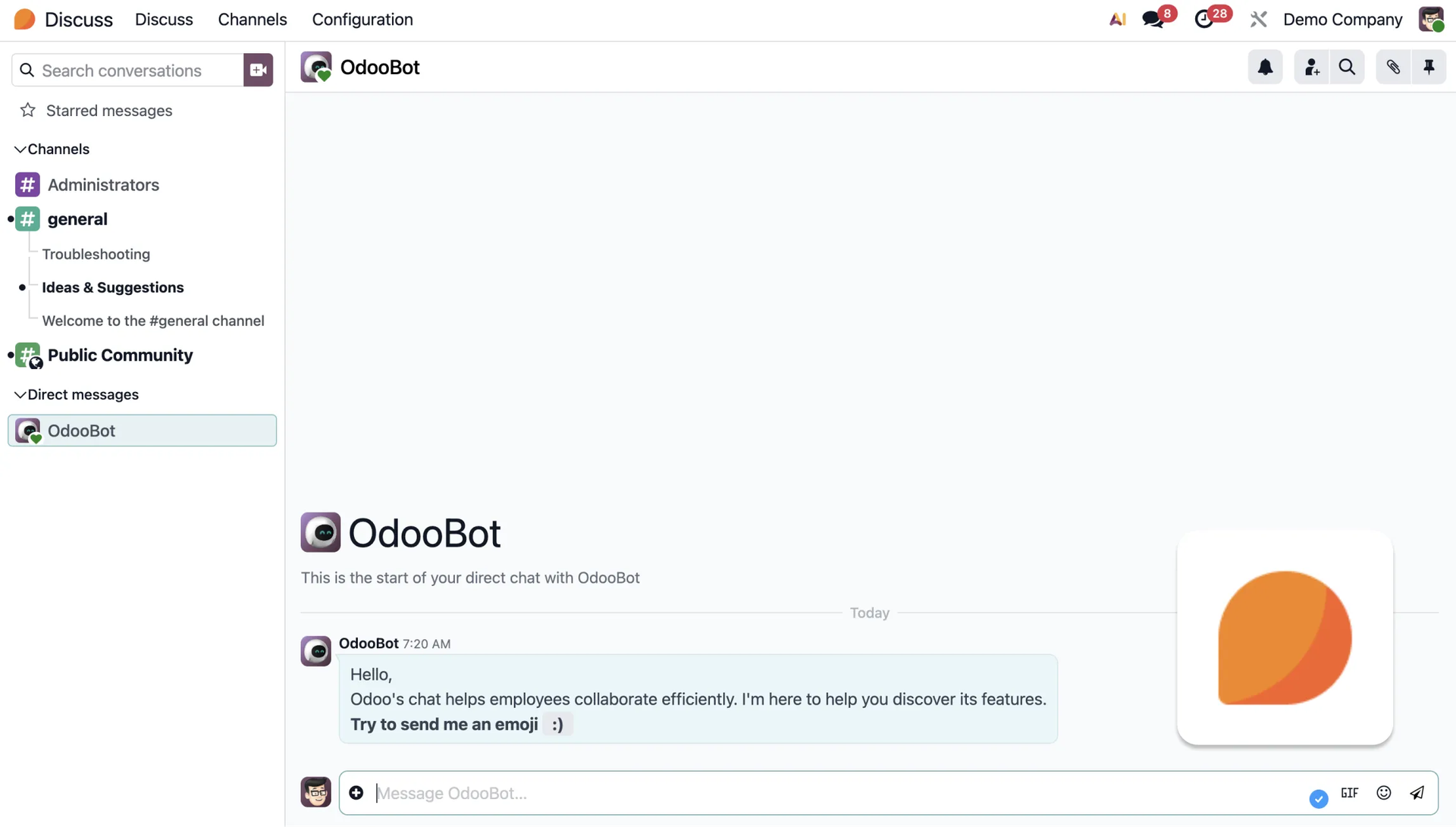
The app integrates direct messages, group channels, voice and video calls, and even WhatsApp. The system provides a single place for all notifications from across the Odoo system, translating into faster and easier collaboration within the team and with clients.
Approvals
The module is used for centrally managing and monitoring all employee requests requiring approval (e.g. travel, equipment, payments).
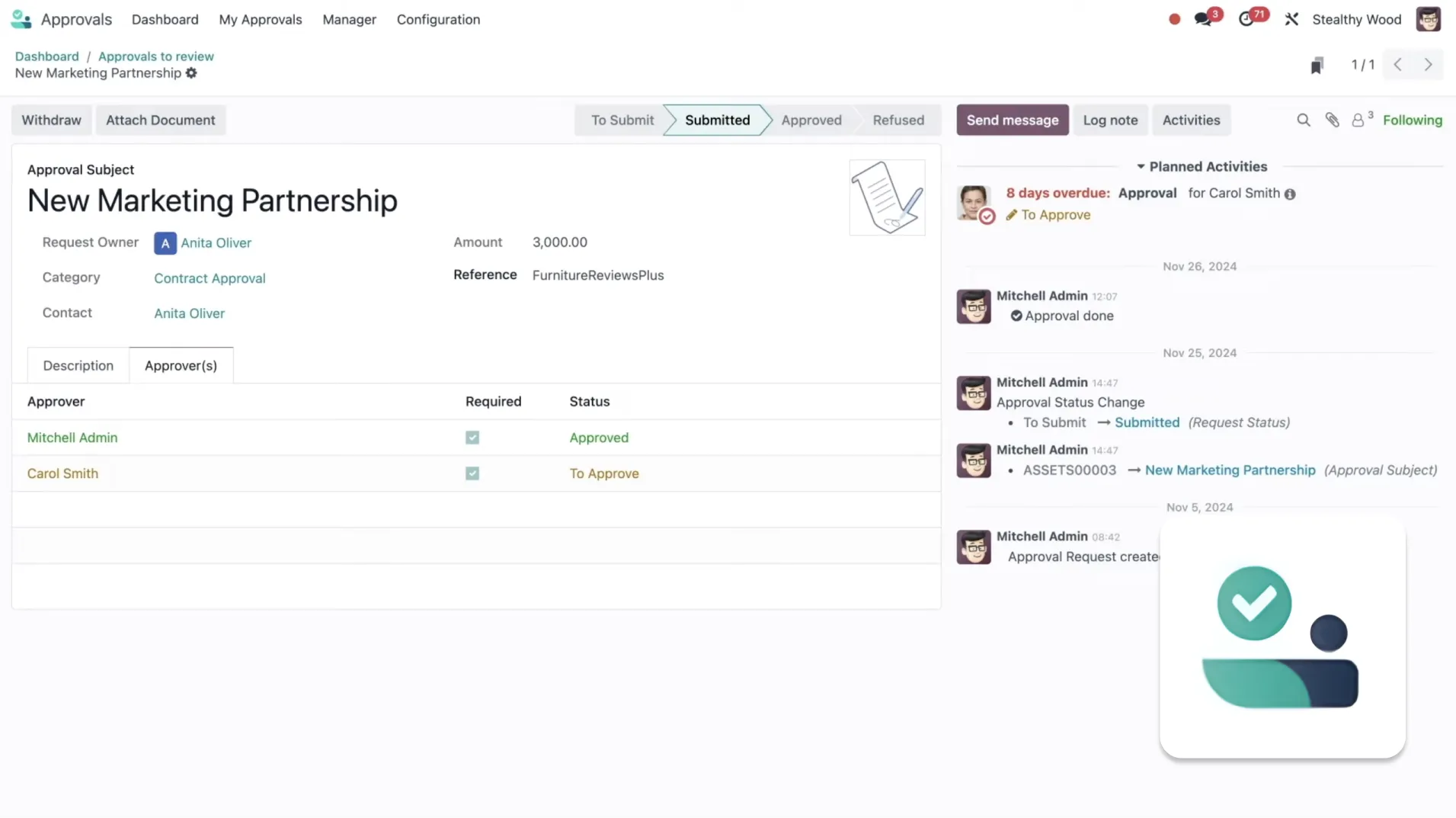
The app gathers all requests into one easy-to-manage panel, significantly saving managers' time by allowing instant approval or rejection. The system lets you create custom approval types and set up multi-step approval paths, for example first by a manager and then by an accountant.
Internet of Things (IoT)
The module is used to easily connect and fully integrate external devices with the Odoo database using a dedicated IoT Box device.
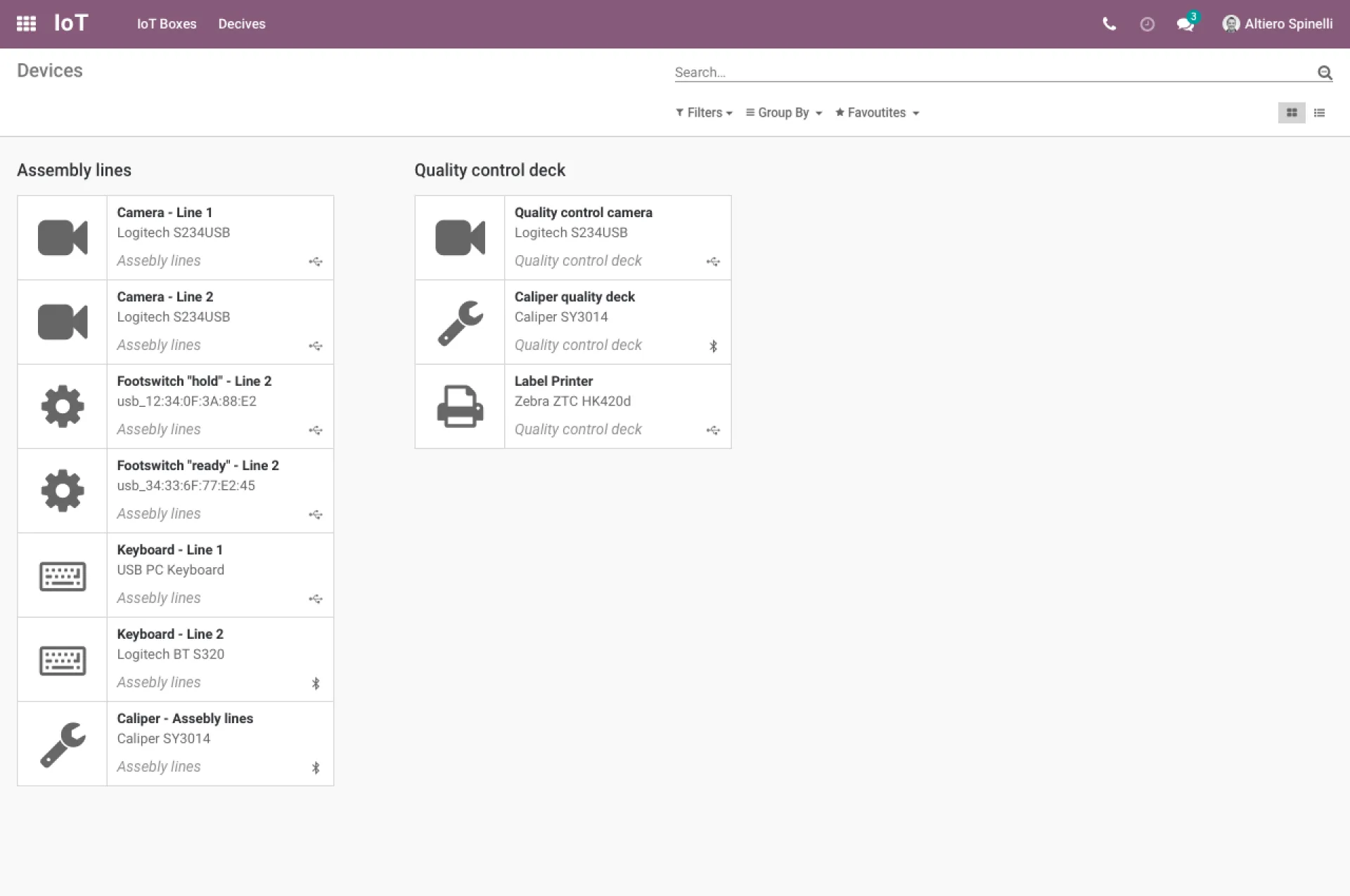
The IoT Box app, which is easy to configure (plug-and-play), supports a wide range of peripheral devices via Wi-Fi, Bluetooth, USB, or HDMI. This system increases productivity by allowing instant reading of values from measuring tools (e.g. a digital caliper) and integrates printers into processes such as quality control and label printing. Learn more about IoT in Odoo.
VoIP
The module is used to make phone calls from any device and manage business on the go, with full Odoo integration.
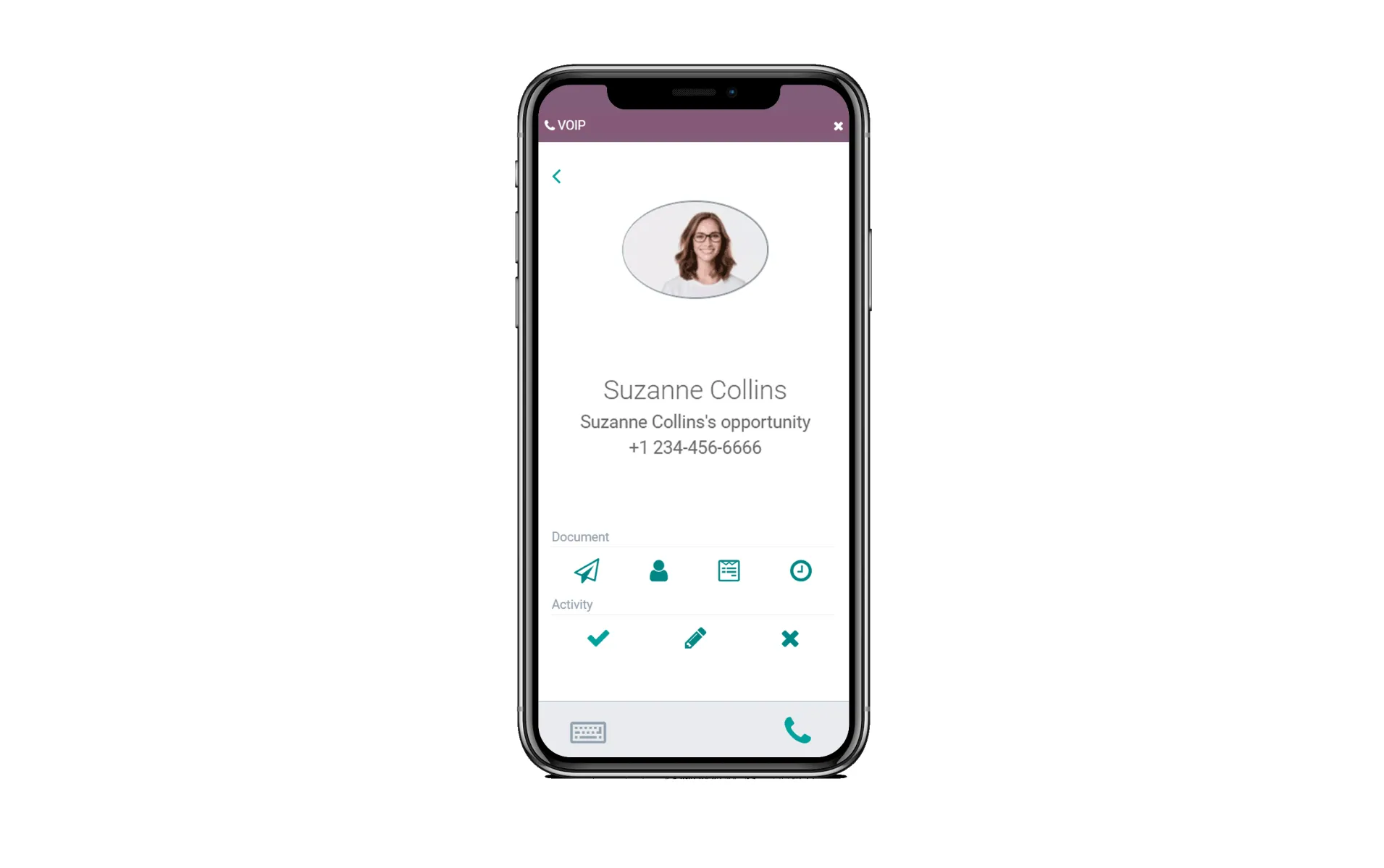
The app integrates with other Odoo modules through a widget that gives access to all contact information, orders, and notes during a call. This simplifies scheduling follow-up activities, such as an email or a meeting. Odoo also automatically creates call queues in the CRM, minimizing manual work.
9. Customization
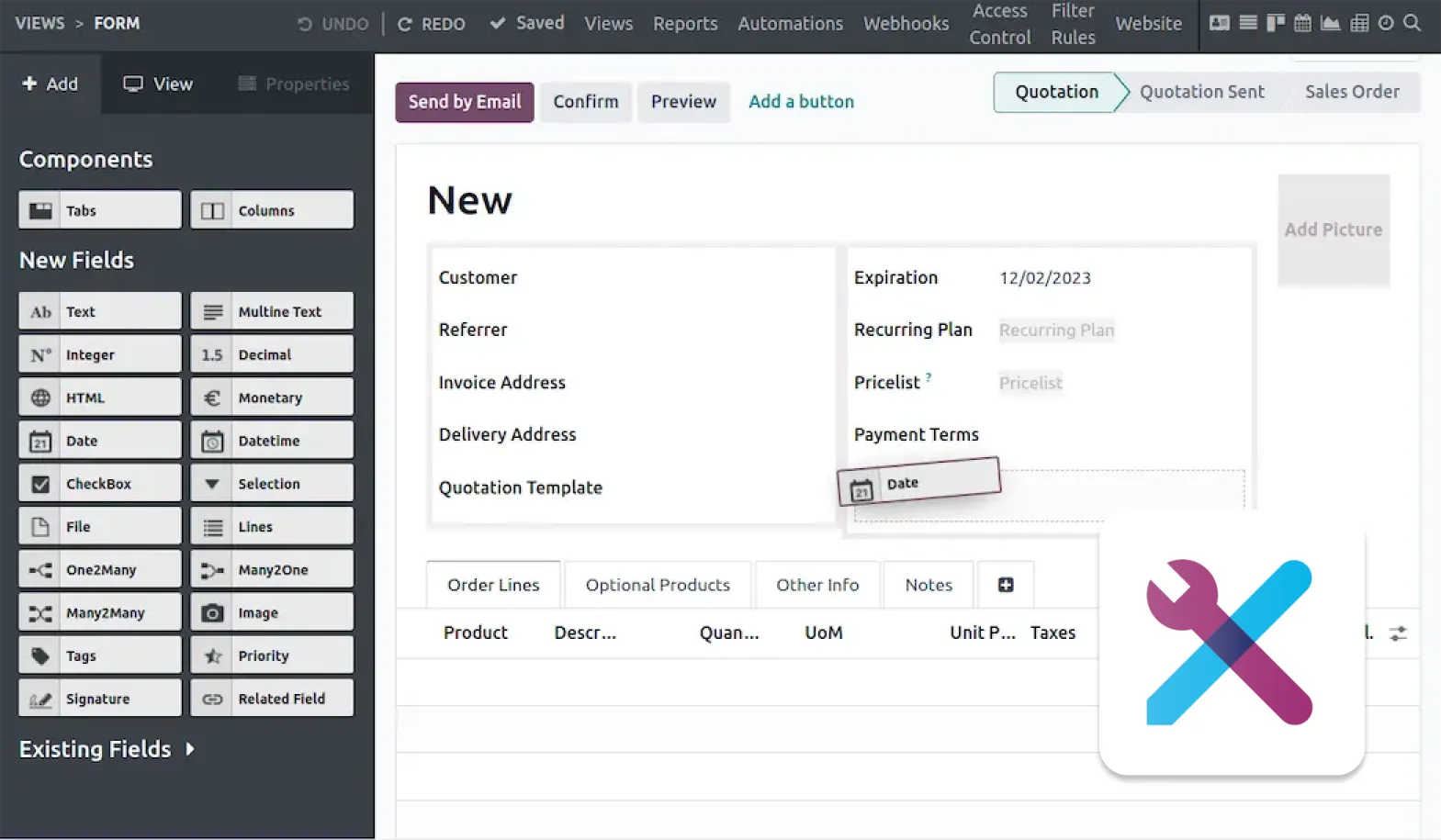
Odoo is open source, which means it can easily be modified to fit your needs. Odoo makes this process even easier with a module created specifically for customizing existing Odoo apps and building new, personalized solutions without any coding:
Odoo Studio
The app gives you full control over the interface, letting you add fields, change views, and reorganize menus via drag-and-drop. It allows you to create new documents, define automated actions based on triggers, and configure multi-step approval and notification workflows for key processes.
That covers all the Odoo modules — now it's time for a question that may be even more interesting:
Which Odoo Modules Do I Need for My Industry? Expert Recommendations
" The most common problems I've encountered in manufacturing companies are a lack of visibility into production costs and materials consumed. Production planning is also significant. During Odoo implementation, we use the Manufacturing and Inventory modules to get planning under control, track production costs transparently, and ensure proper material stocking. "

" I implemented Odoo for a company in the Manufacturing and eCommerce sector. Thanks to Odoo, we have optimally integrated sales and logistics processes, and improved the speed and convenience of our website."

Summary
Such a large number of modules may seem a bit overwhelming at the start. But fortunately, what's great about Odoo is that you can start on a very small scale and grow within the system as your company grows.
For example, you can start with two or three modules that solve your most pressing problem, and see how the system works. The cost of getting started is relatively very low, and the potential return from a working system, now and in the future, is enormous.
If you see that Odoo could help your company in some way — or if you'd like to find out how Odoo could specifically help your business —
get in touch with us. We work with Odoo every day and would be happy to advise you, free of charge, on what would work best for your company, your situation, and the stage you're at.